Product
From “this is broken” to fixed, without a meeting.
A widget your reviewers can use without reading anything, and a dashboard your developers can use without asking anything.
The widget
A guest in your app, not a squatter.
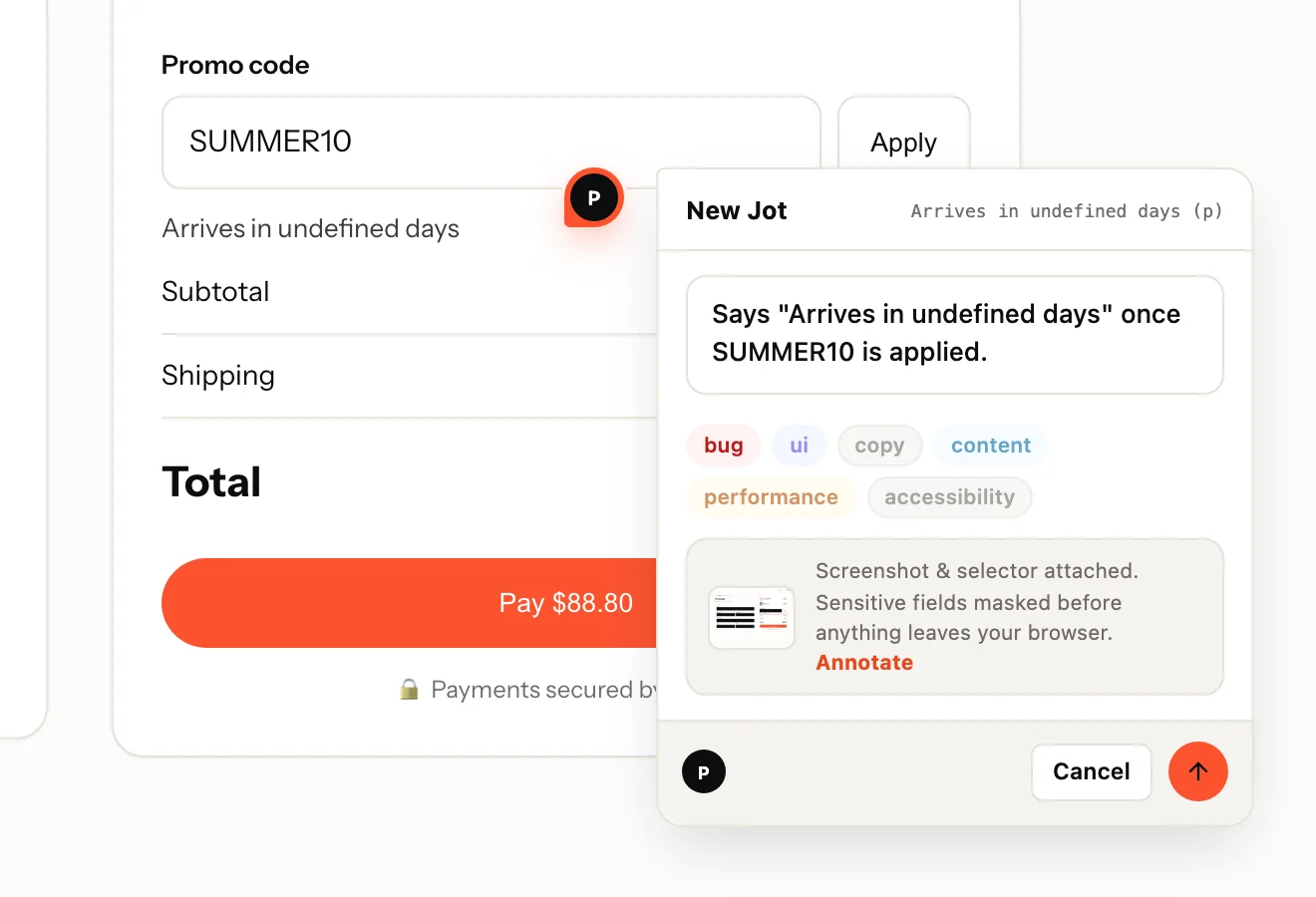
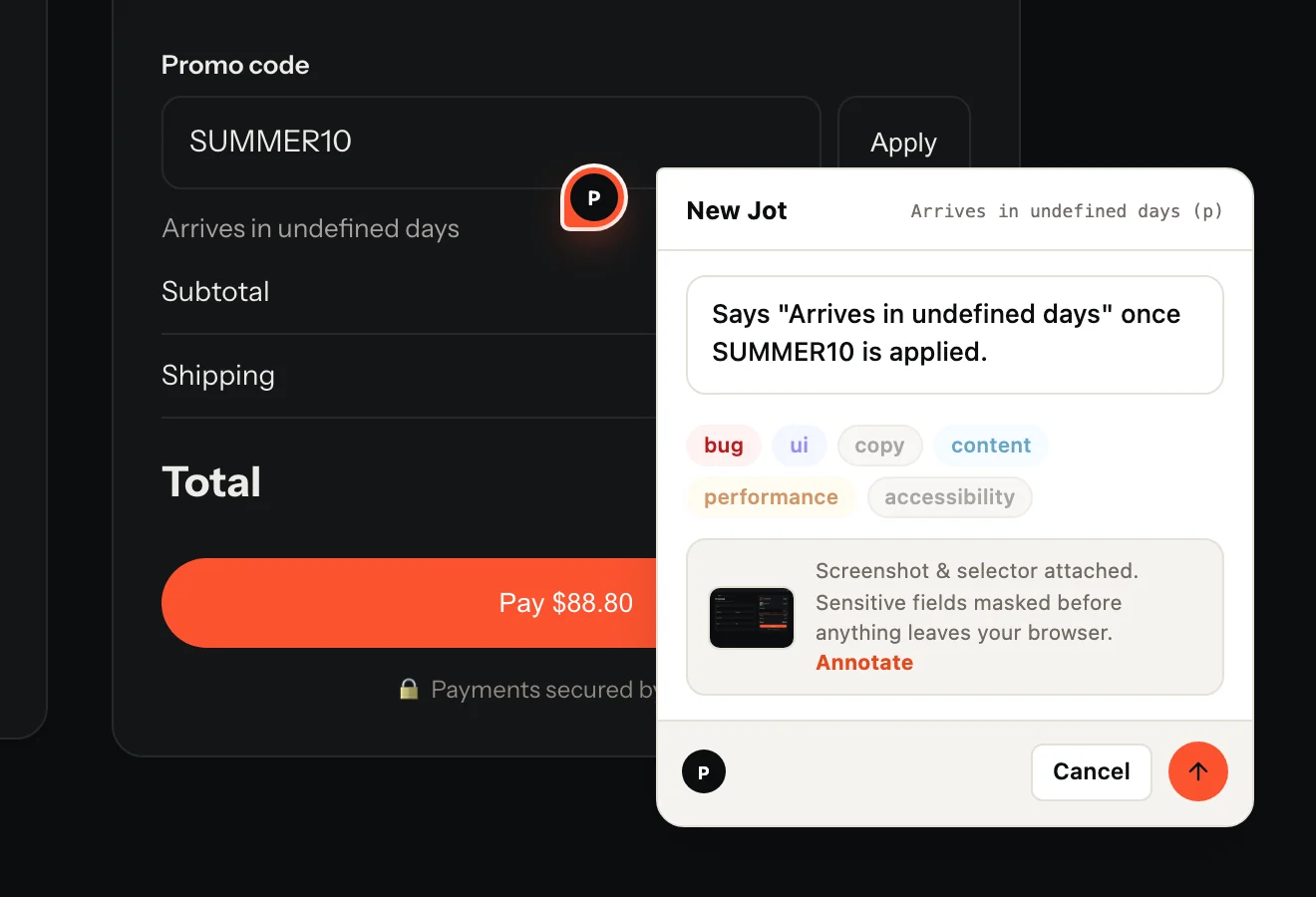
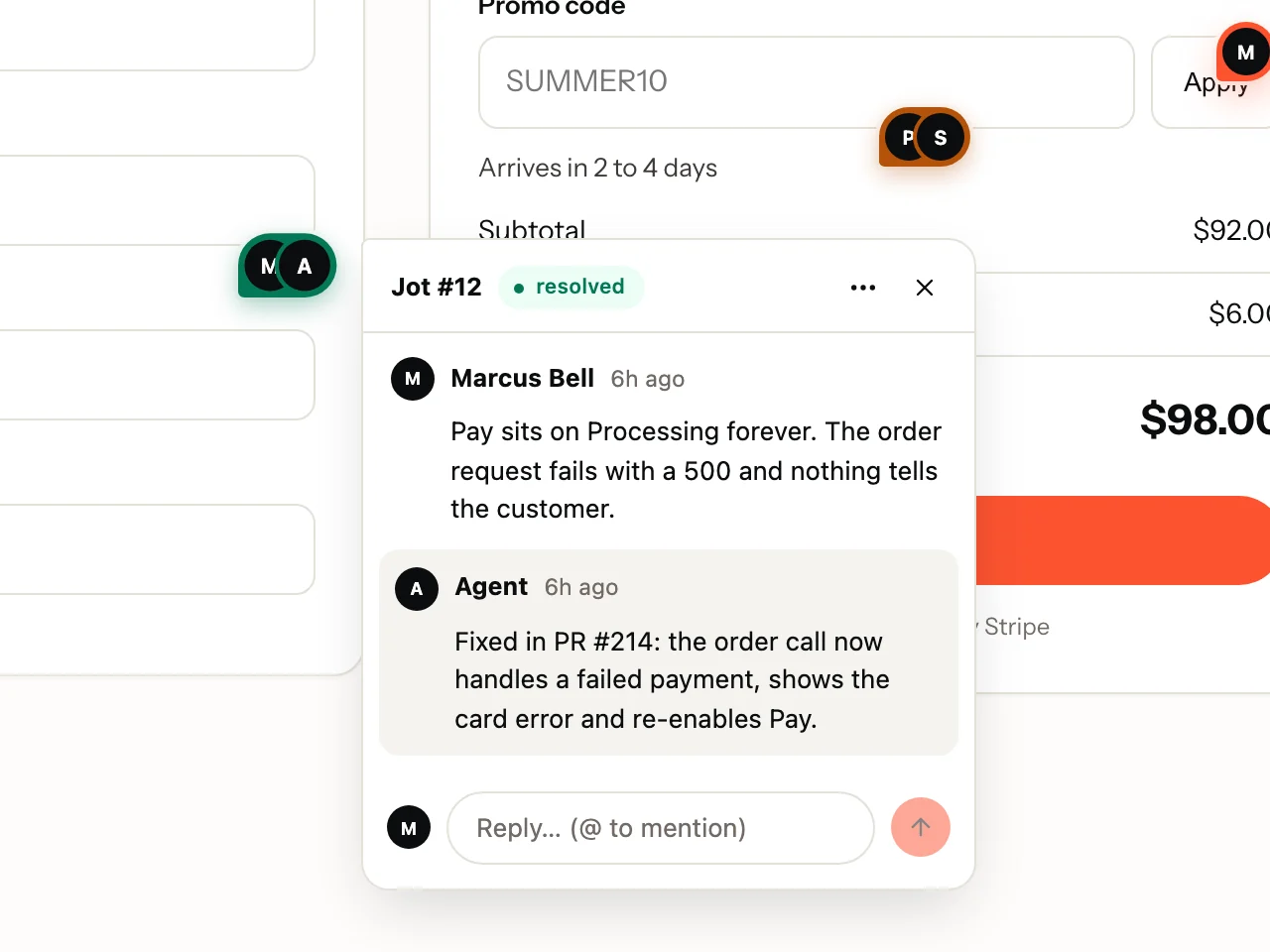
A collapsed tab on the edge of the page. It opens on click, lives in a shadow root and causes zero layout shift. A page that never opens it pays under 3KB.
- Pins that stay put. Anchored to the element, positioned by ratio, so they survive a resize.
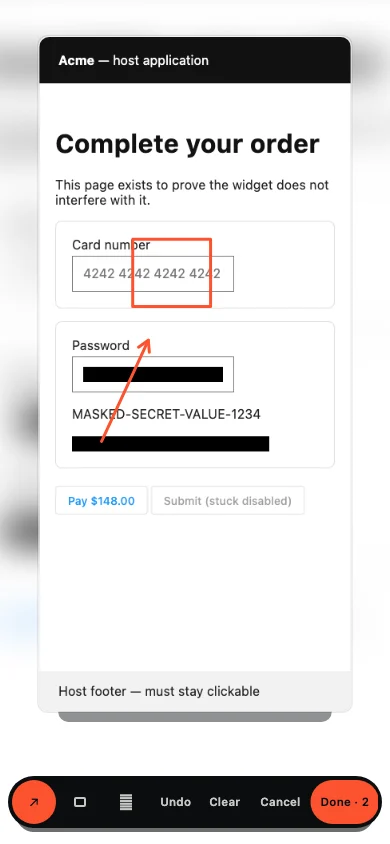
- Annotate. Arrows, boxes and blur on the screenshot before it is sent.
- Record. Capture the steps; stopping drops the recording straight into a new Jot.
- Threads. Reply in place, mention a teammate, see every Jot on the page.
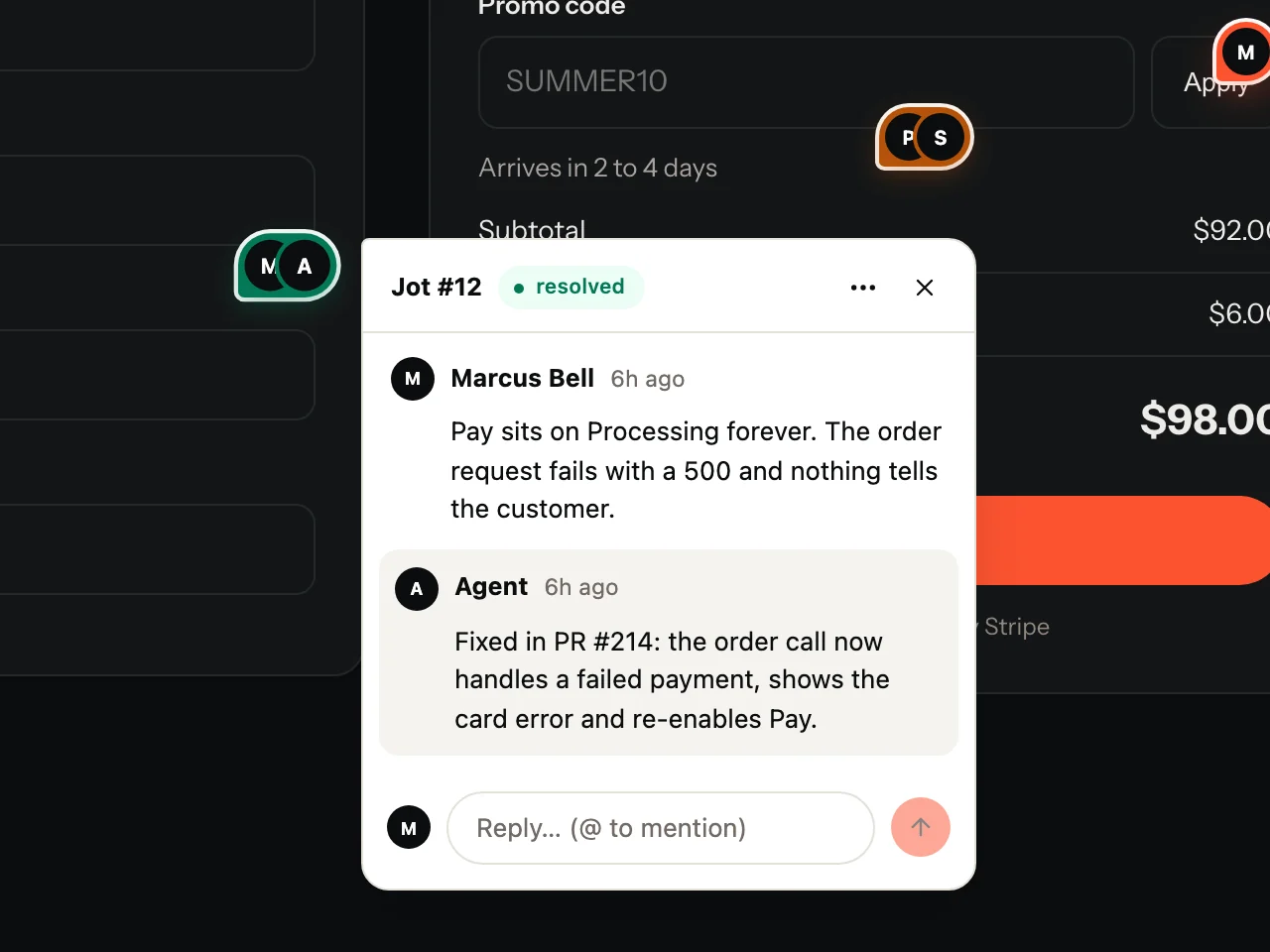
The conversation happens on the page.
Reviewers see the replies right on the element they flagged. When the fix ships, they are the ones who approve it.
The dashboard
Dense where it should be. Calm everywhere else.
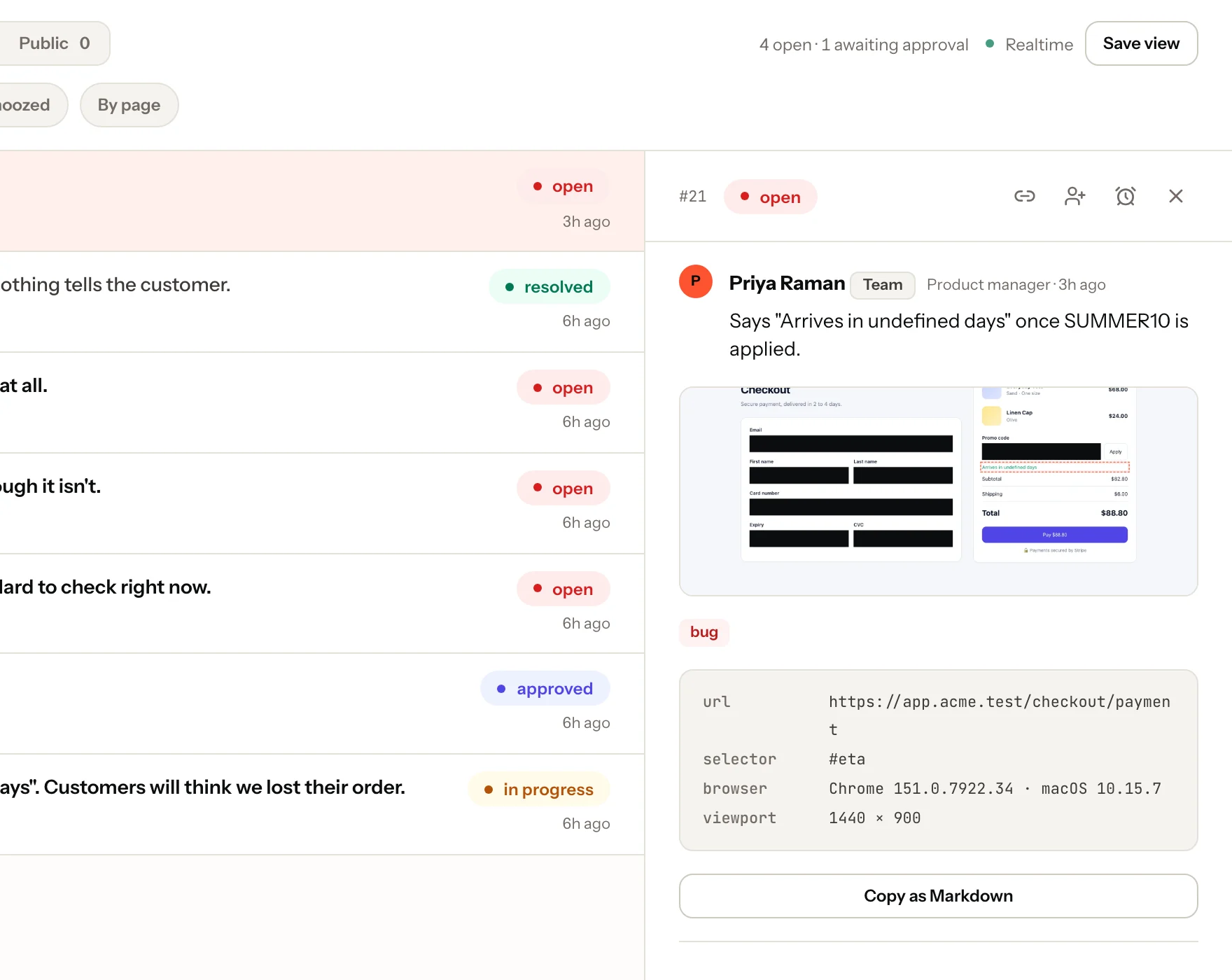
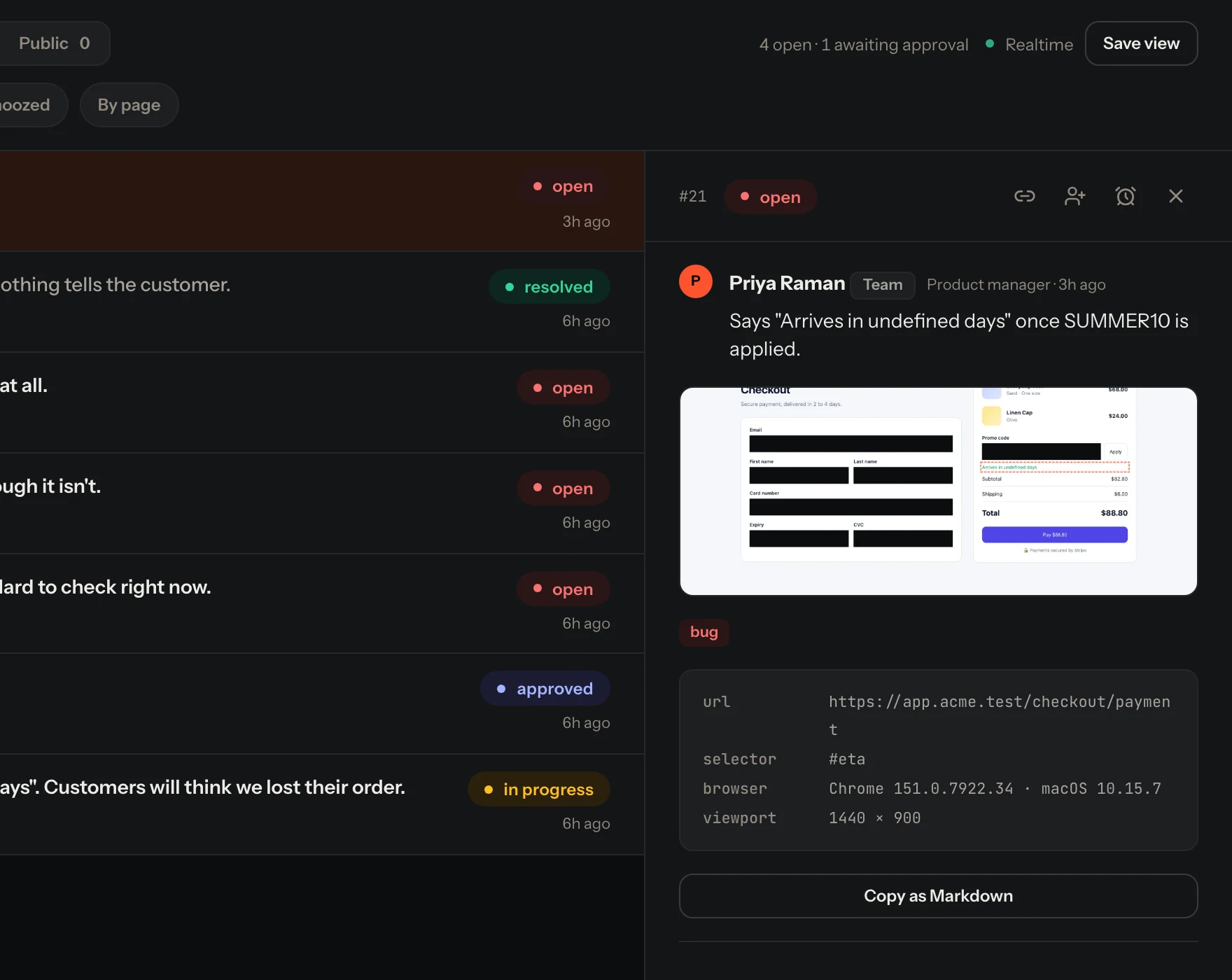
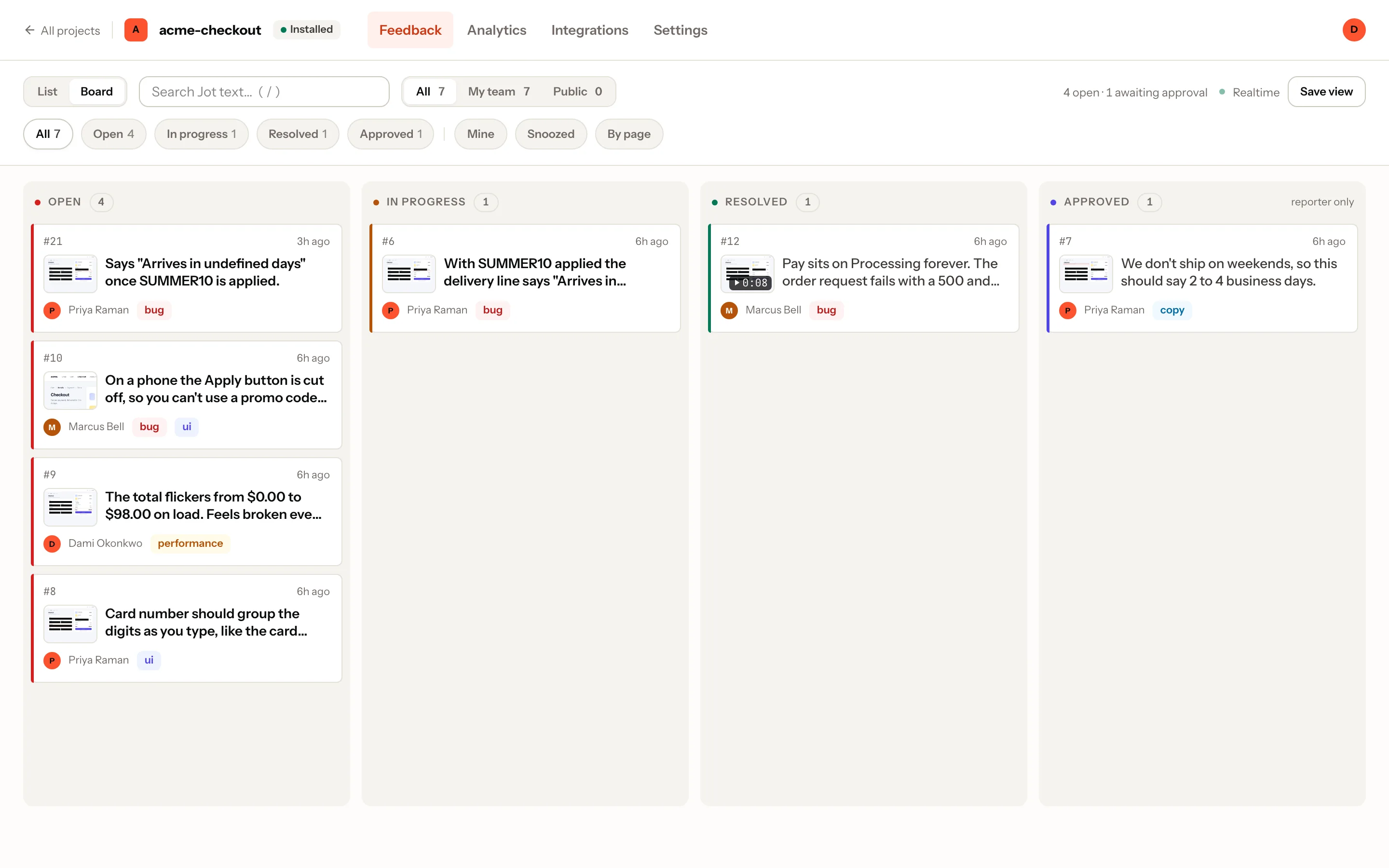
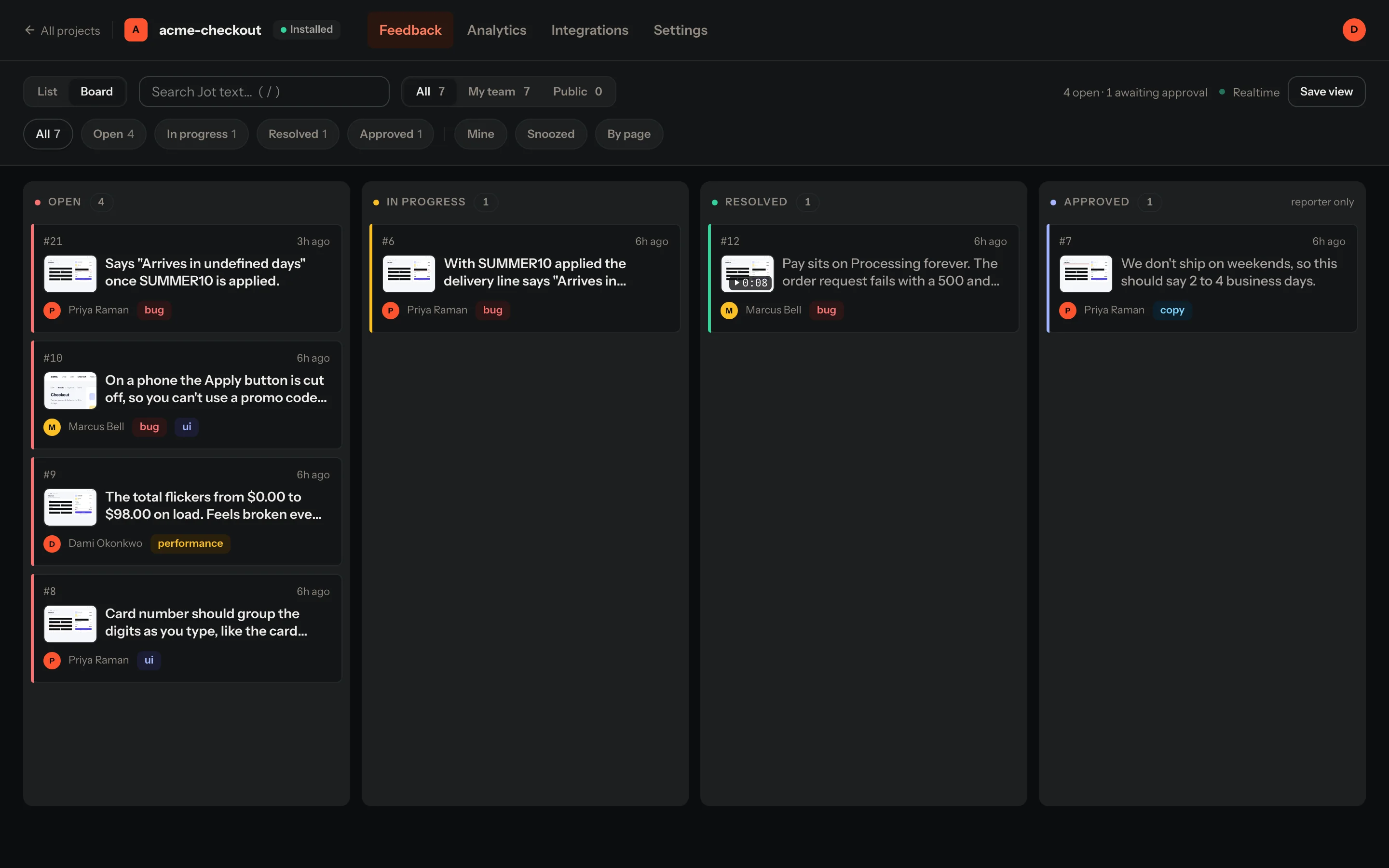
A board and an inbox over the same queue, live as Jots arrive. Open one and the full repro is on the right, ready to copy as Markdown.
Board and inbox
Drag across Open, In progress and Resolved. Filter by status, label, page, or just yours.
Approved is the reporter’s
The Approved column belongs to the person who reported it. Not to you, not to an agent.
Live, honestly
“Live” means the realtime connection is confirmed, not hoped for. New Jots just appear.
Session replay
See the thirty seconds before it broke.
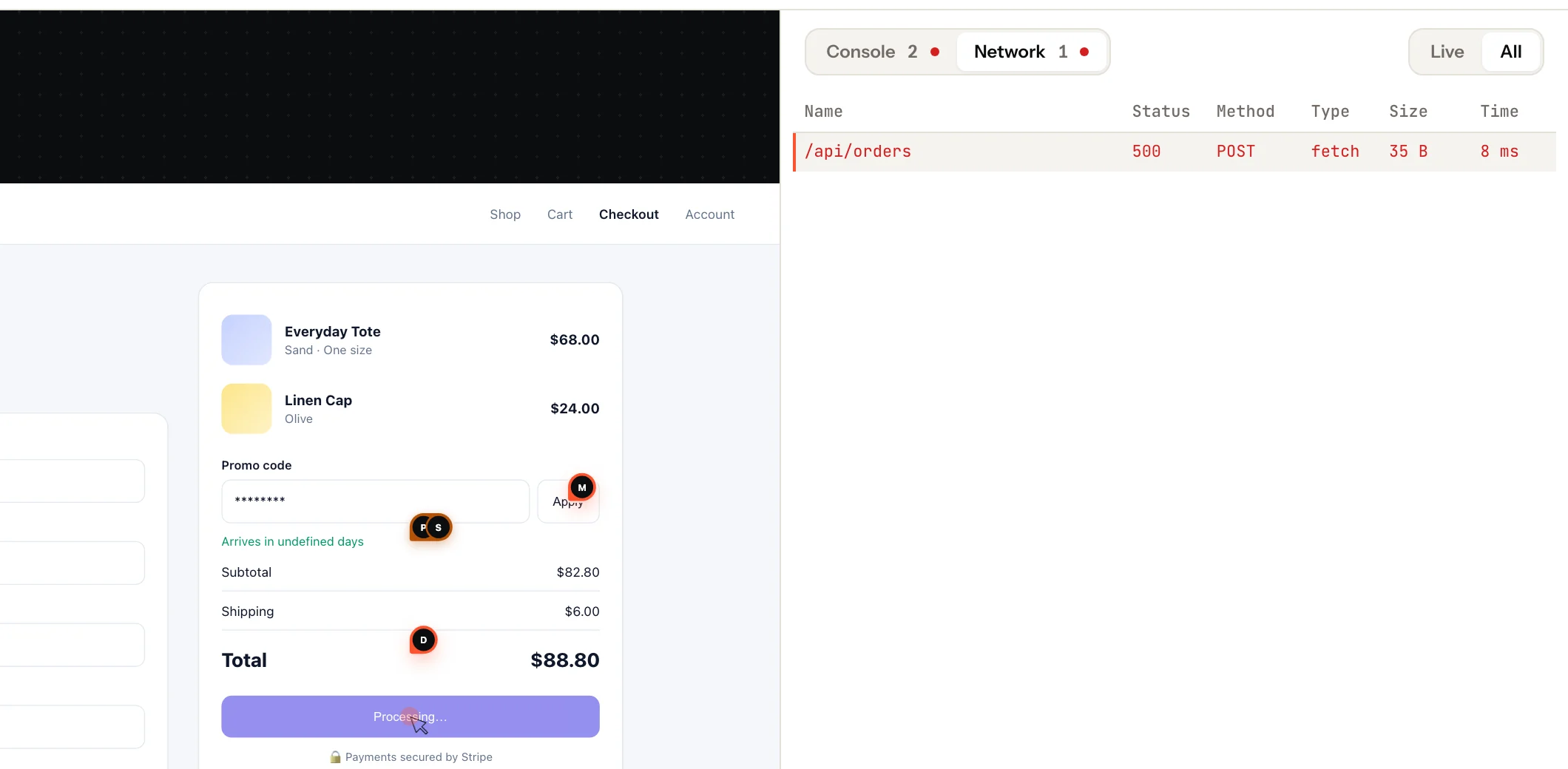
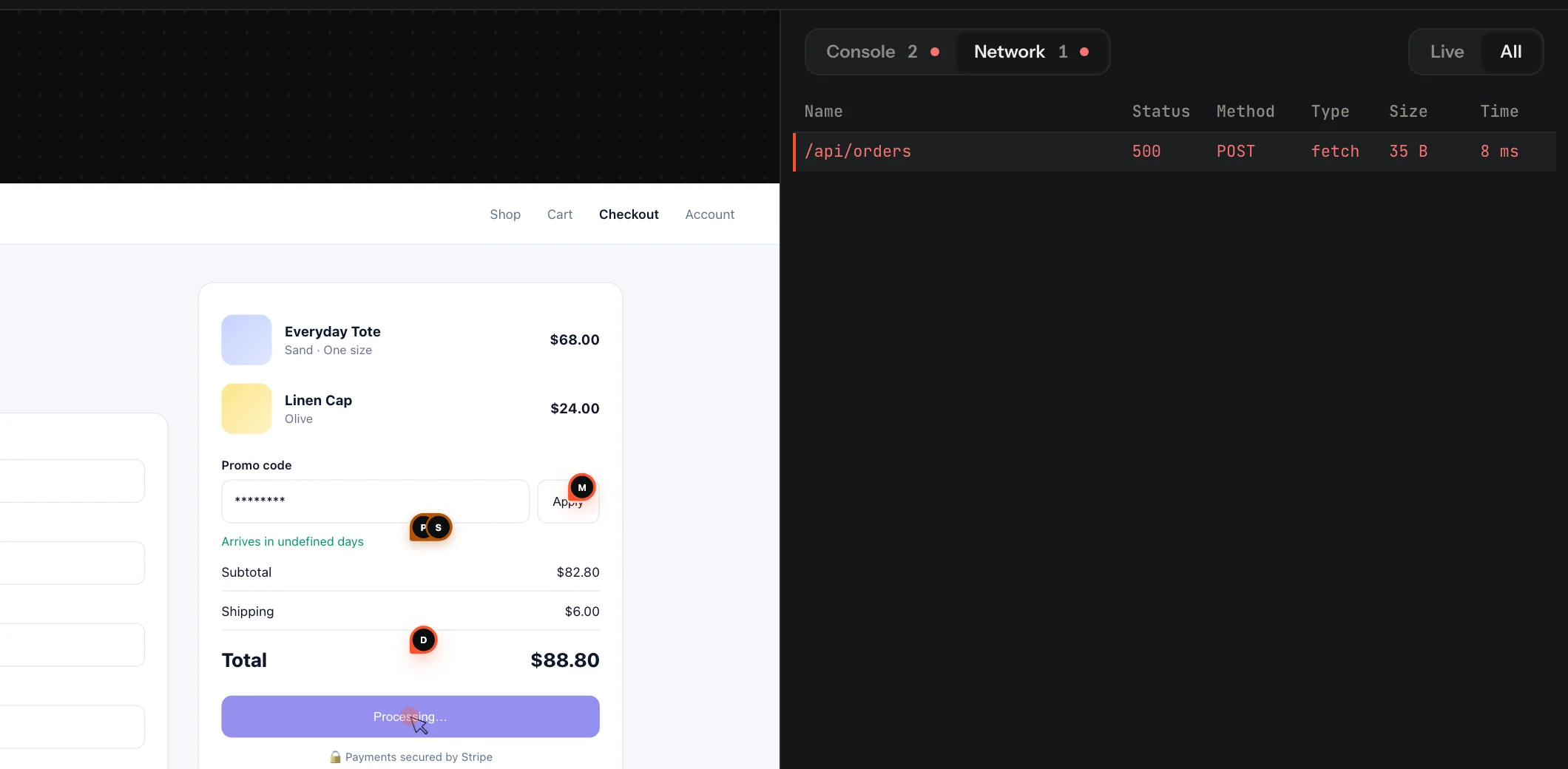
Recordings replay the DOM, not a video, with the console and network side by side. Failed requests and errors are flagged on the timeline.
- Inputs are masked in the browser before anything is uploaded.
.jot-blockleaves an element out entirely;.jot-maskhides its text.- On mobile, crashes and failed requests come with the recording.
Share links
Send a bug to anyone. They don’t need an account.
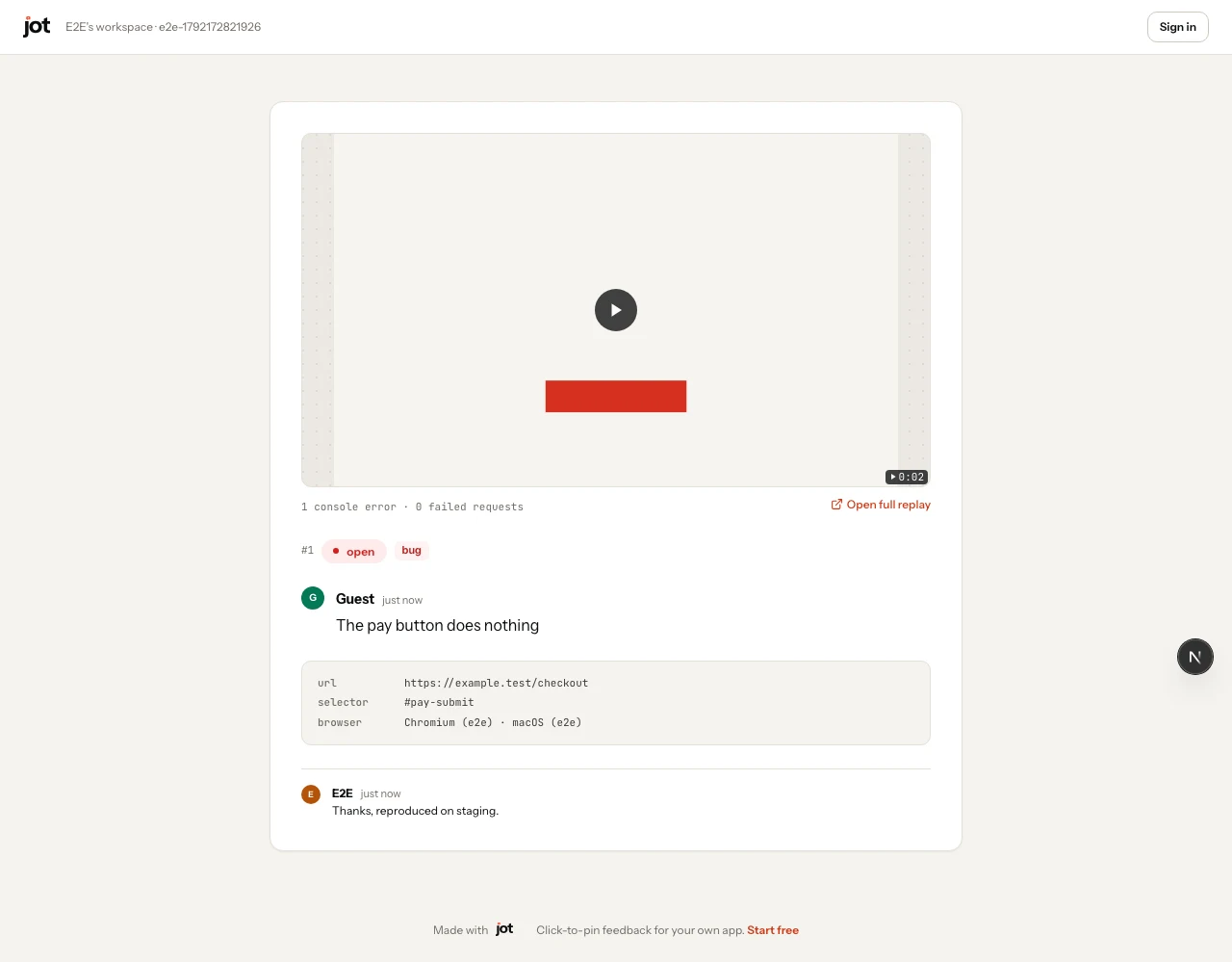
Any Jot can be shared as a public link: the note, the context and the replay on one clean page. Drop it in a PR, a ticket or an email.
Mobile SDKs
The same Jot, in your native app.
React Native, Flutter, iOS and Android. Pins, annotate, record, threads, and crash reports that arrive with what led up to them.
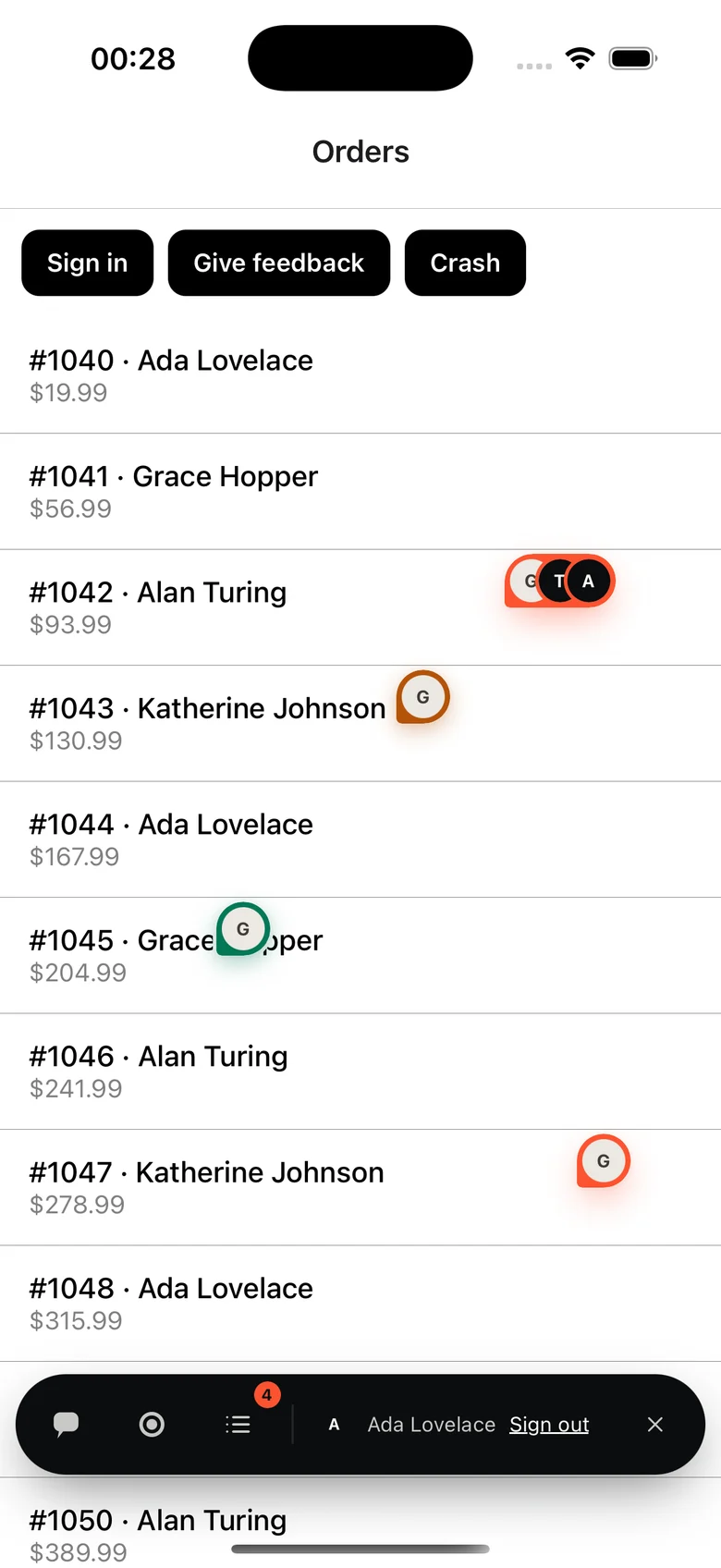
 React Native
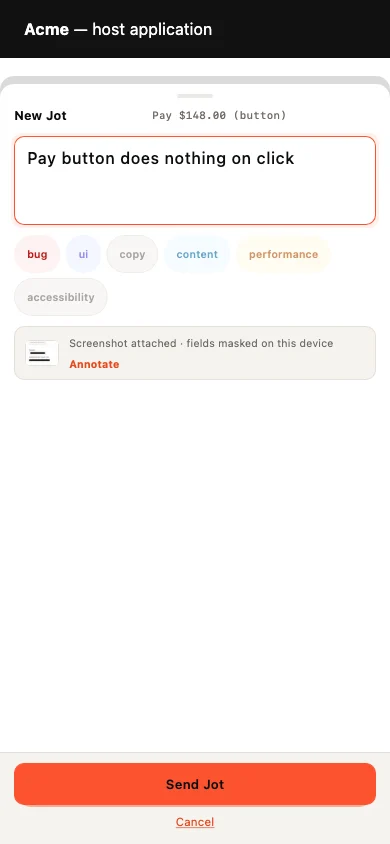
 Flutter
Put it on your staging site today.
Free for one project. Reviewers are always free.