 Jot for Claude Code
Let Claude Code fix what your reviewers report.
Install the Jot plugin and type /jot. Claude Code reads each report with its screenshot, selector and replay summary, fixes the code, runs your tests, and replies on the reviewer's pin.
Connect it
/plugin marketplace add usejot/claude-plugins
/plugin install jot@usejot
Then ask Claude to connect Jot (it opens your browser), or paste an agent token when Claude Code asks.
{
  "mcpServers": {
    "jot": {
      "command": "npx",
      "args": [
        "-y",
        "@usejot/mcp"
      ],
      "env": {
        "JOT_API_TOKEN": "…"
      }
    }
  }
}
The plugin brings the jot MCP server with it. For every repo at once without the plugin, the docs show the one-line claude mcp add. Step by step in the docs · Set up Jot with an AI agent
What the agent reads
The whole repro, not a guess.
- The reviewer's sentence and labels, pinned to the element
- A screenshot of the page as they saw it
- The URL and the element's CSS selector
- Browser, operating system and screen size
- On Record: a replay of the page, with console and network on one timeline
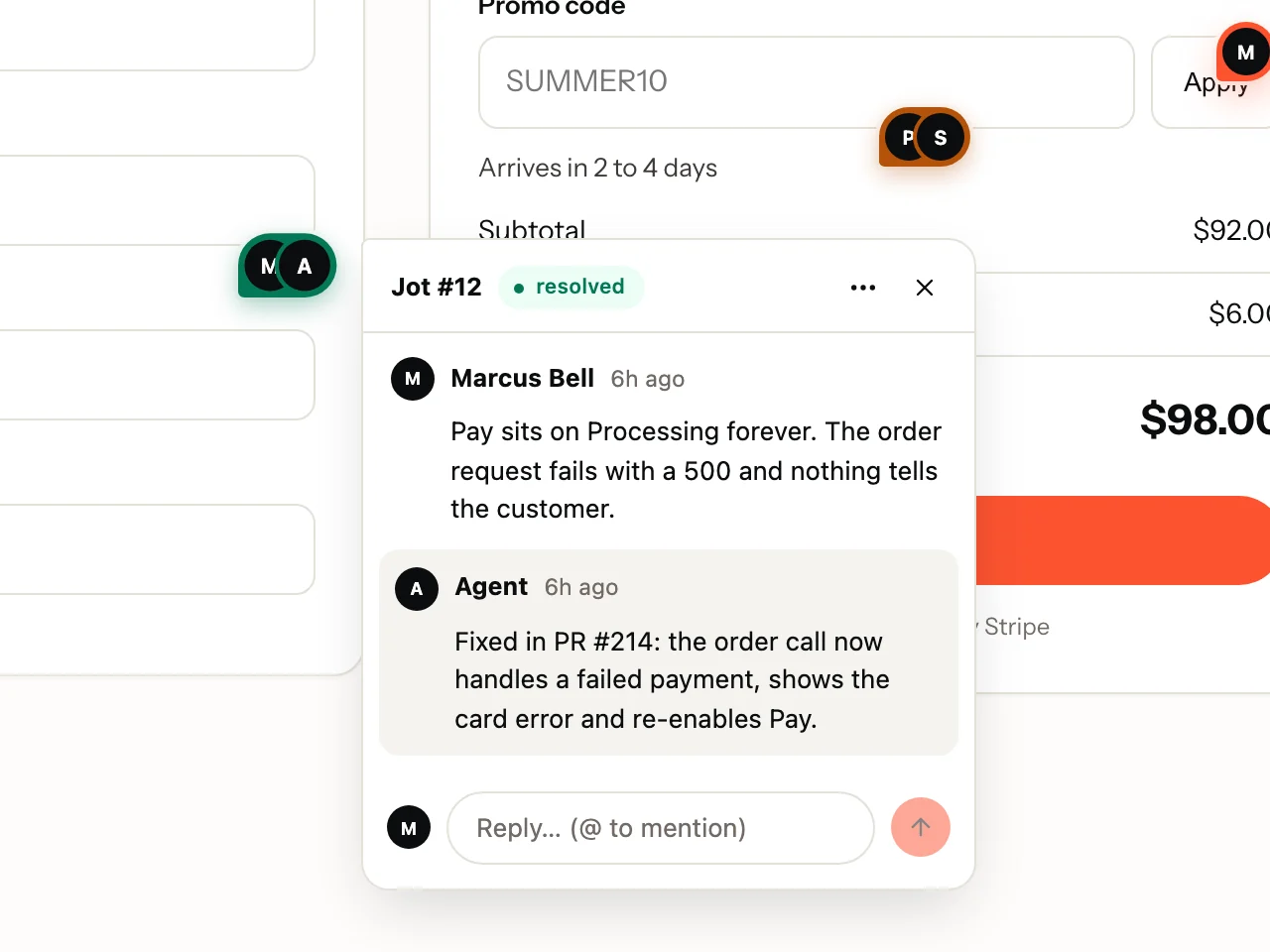
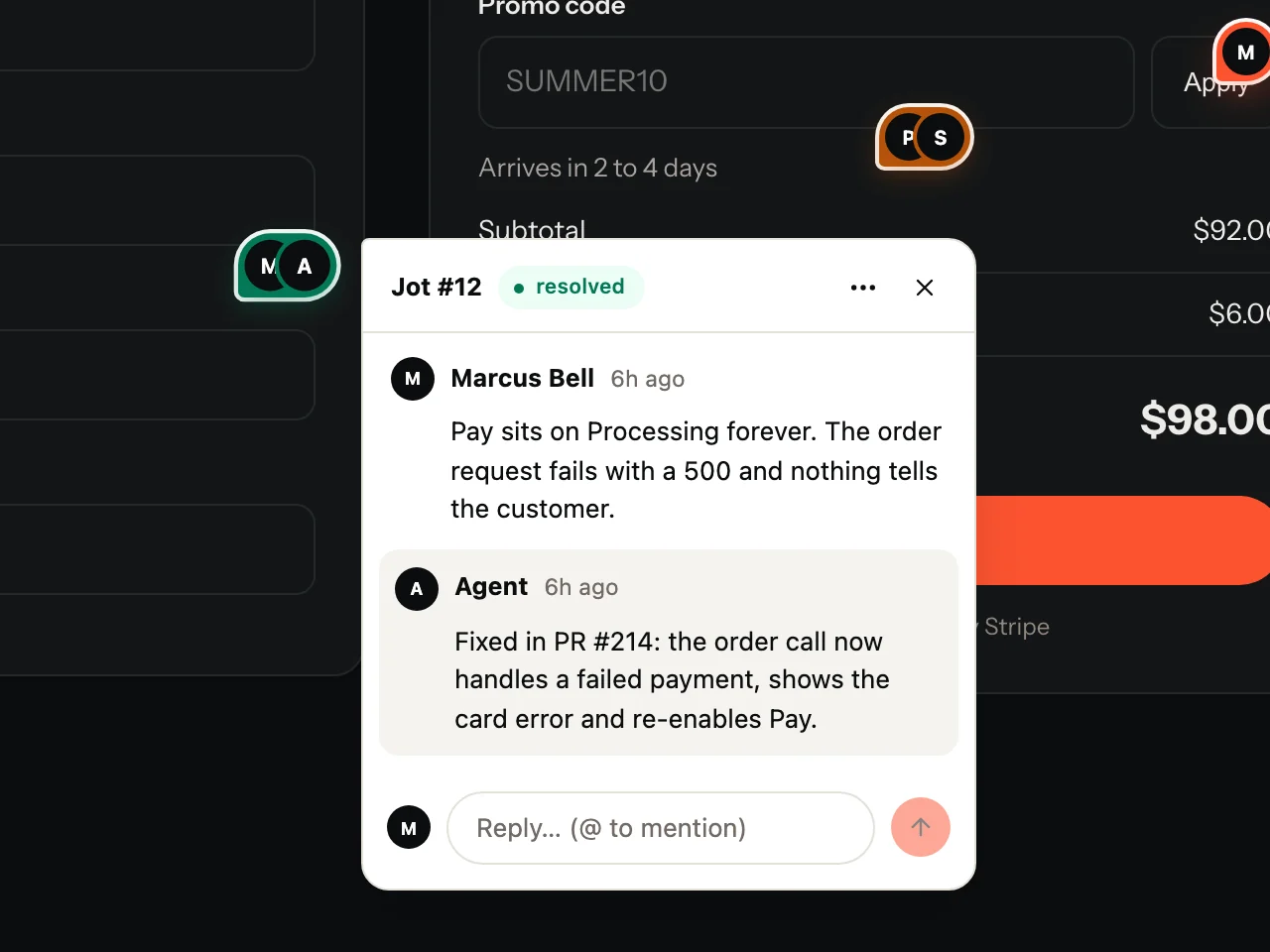
Made for Claude Code
How it works in Claude Code
- /jot lists the open feedback, /jot <id> fixes one, /jot loop waits for new reports and proposes a plan for each.
- jot init in the repo writes the /jot command, the jot skill and an .mcp.json with no token inside.
- No terminal open? jot loop --agent claude runs Claude Code headless for each new report.
fetch_feedbackStart here: to find open work, or to see what is left after a fix.
get_commentBefore touching code for a comment: it is the full repro.
update_statusIN_PROGRESS when you start; RESOLVED once the fix is in and tested, then reply.
post_replyAfter every fix (what changed, how to check it), or to ask the reporter a question.
create_batch_noteOne change fixed several comments: one note for all of them, not a reply each.
list_projectsOnly to see which workspace and projects this token reaches.
Questions
Can Claude Code approve its own fixes?
Agents reply and resolve; who approves is your workspace's choice (by default, the person who reported it).
Which plan do I need?
MCP agents come with every plan, Free included. Reviewers stay free on every plan.
Does the token end up in my repo?
No. jot login saves the token in a profile on your machine, and the .mcp.json that jot init writes has no token in it, so it is safe to commit.
Also for: Cursor · Codex · Windsurf. Send Jots to: GitHub · Linear · Jira · Trello · Microsoft Teams
Your first Jot is a minute away.
Start free. Reviewers are always free, on every plan.