Jot for Webflow
Client feedback on your Webflow site, pinned where it belongs.
One script in Webflow's site-wide custom code and every published page collects pinned feedback, with the screenshot, selector, browser and replay for the designer or developer.
Install
<script
  src="https://cdn.jsdelivr.net/npm/@usejot/widget@1/dist/jot.js"
  data-jot-key="jot_pk_…"
  data-jot-edge="right"
></script>
- Open Site settings, then the Custom code tab.
- Paste the Jot script into the footer field, the code that runs after page content starts loading.
- Save, then publish: Webflow notes some scripts don't fully run in preview. Publishing to staging is enough.
Steps from Webflow’s own help, checked on 6 Nov 2026. Source · Script tag guide
What you get
Every report arrives ready to fix.
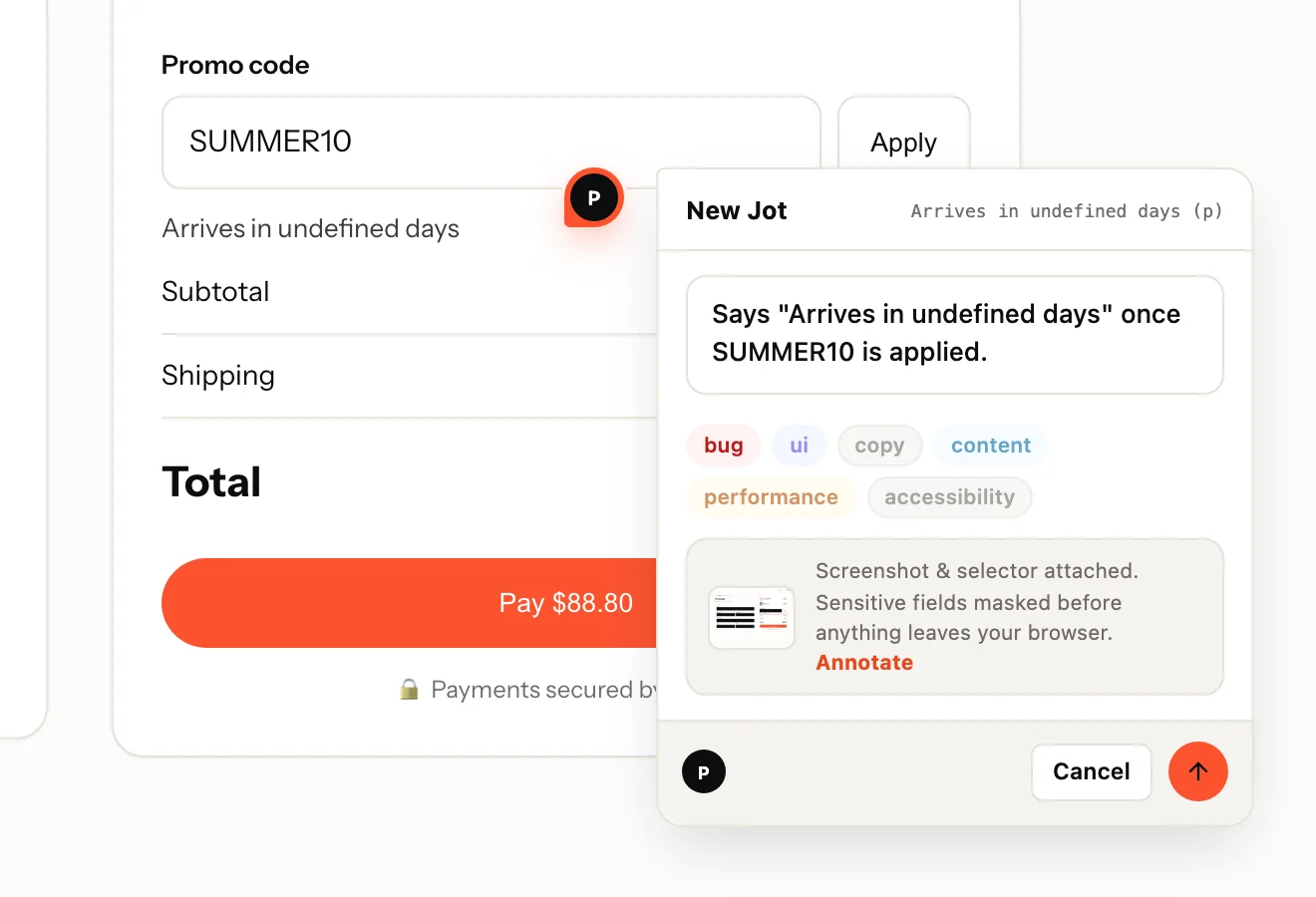
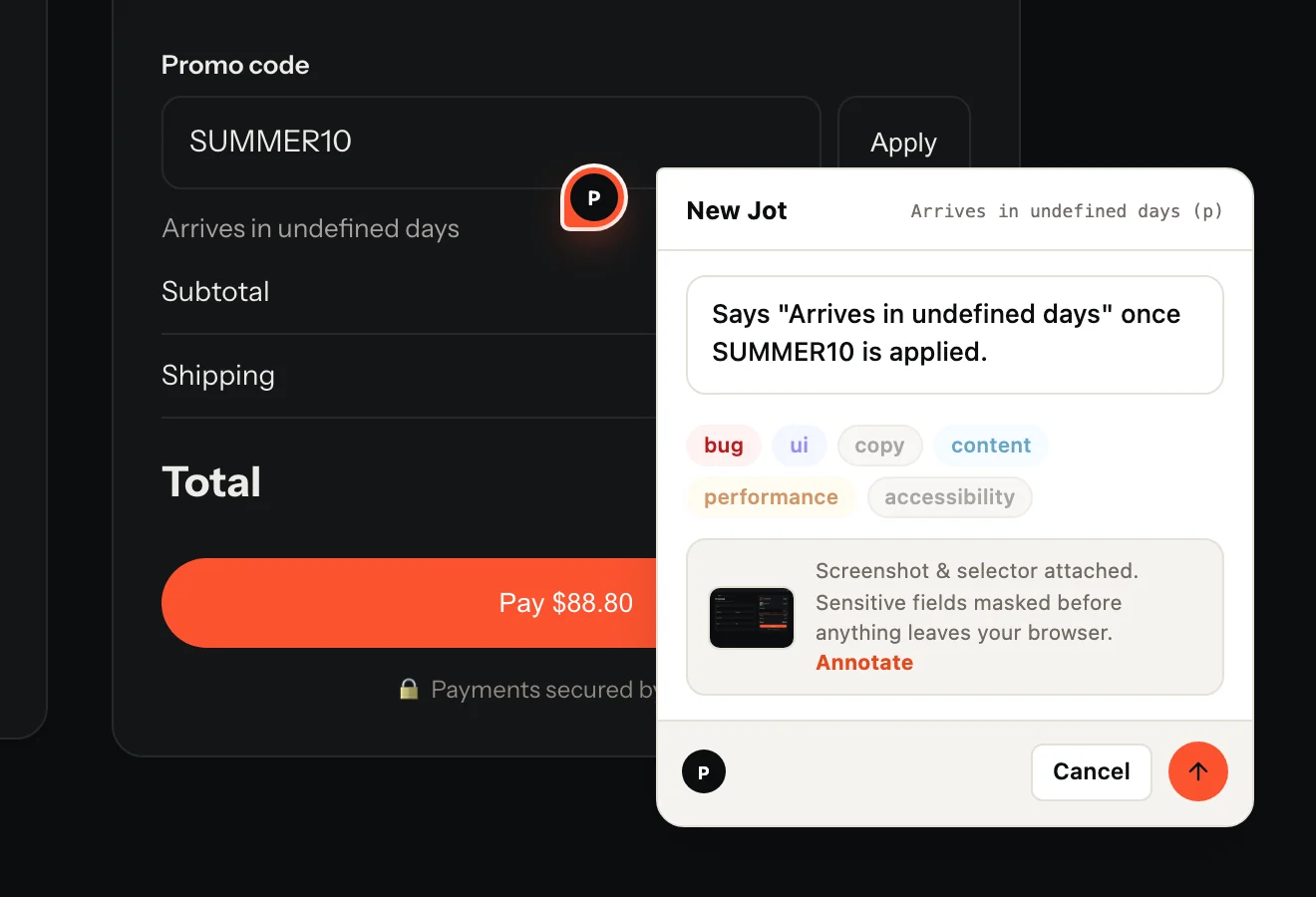
- The reviewer's sentence and labels, pinned to the element
- A screenshot of the page as they saw it
- The URL and the element's CSS selector
- Browser, operating system and screen size
- On Record: a replay of the page, with console and network on one timeline
Made for Webflow
What is specific to Webflow
- The same script tag as any website: no plugin of ours to install or update, and data-jot-edge picks the side the tab sits on.
- The loader is under 3 KB gzipped, enforced in CI. The widget loads when someone opens the tab, the recorder only when they press Record.
- Everything renders in a shadow root behind a collapsed edge tab: no styles leak either way and the page never shifts.
- Can't add code on your plan? The Jot Chrome extension lets reviewers pin feedback on the site without installing anything on it.
On Webflow
- Site-wide custom code needs a paid site plan; the free Starter plan does not include it. Source
- Code in the site's Custom code settings runs across the entire site. Source
From Webflow’s own help pages, checked on 6 Nov 2026.
Questions
Which Webflow plan do I need?
On Webflow: a paid site plan; Starter does not include custom code. On Jot, any plan: the widget, session replay and unlimited reviewers come with Free.
What does Jot record, and what does it never see?
A screenshot, the URL, the clicked element's CSS selector, the browser, OS and screen size, and, when the reviewer presses Record, a replay with console and network. Inputs are masked in the browser before anything is uploaded; add .jot-mask to mask text or .jot-block to leave an element out entirely.
Do reviewers need an account?
They never need a dashboard login. On a public project they type and send; on a members-only project they confirm a 6-digit code emailed to them, inside the widget. Reviewers are free and unlimited on every plan.
Also on: WordPress · Shopify · Squarespace · Wix. Send Jots to: GitHub · Linear · Jira · Trello · Microsoft Teams
Your first Jot is a minute away.
Start free. Reviewers are always free, on every plan.