Chrome extension
Jot any site from your browser.
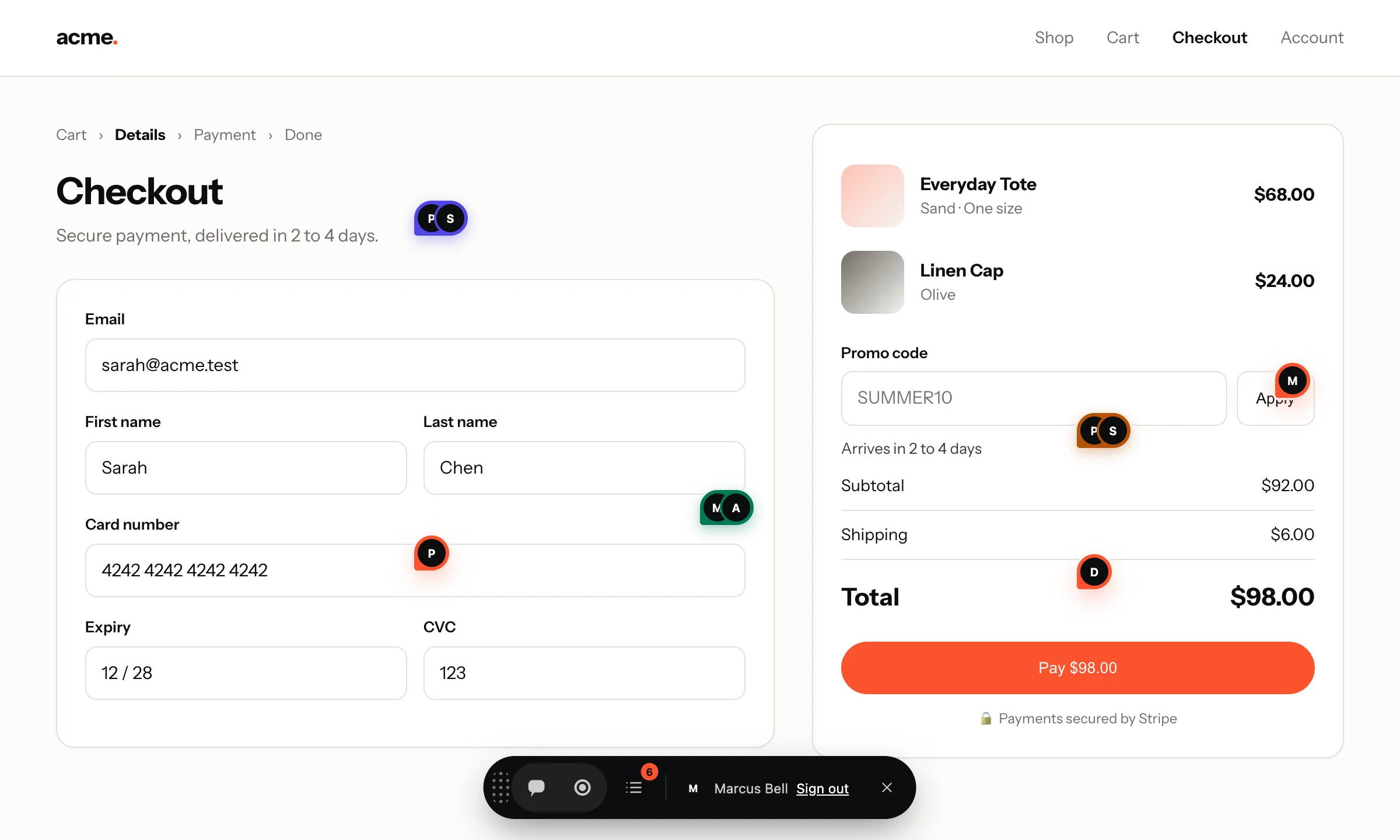
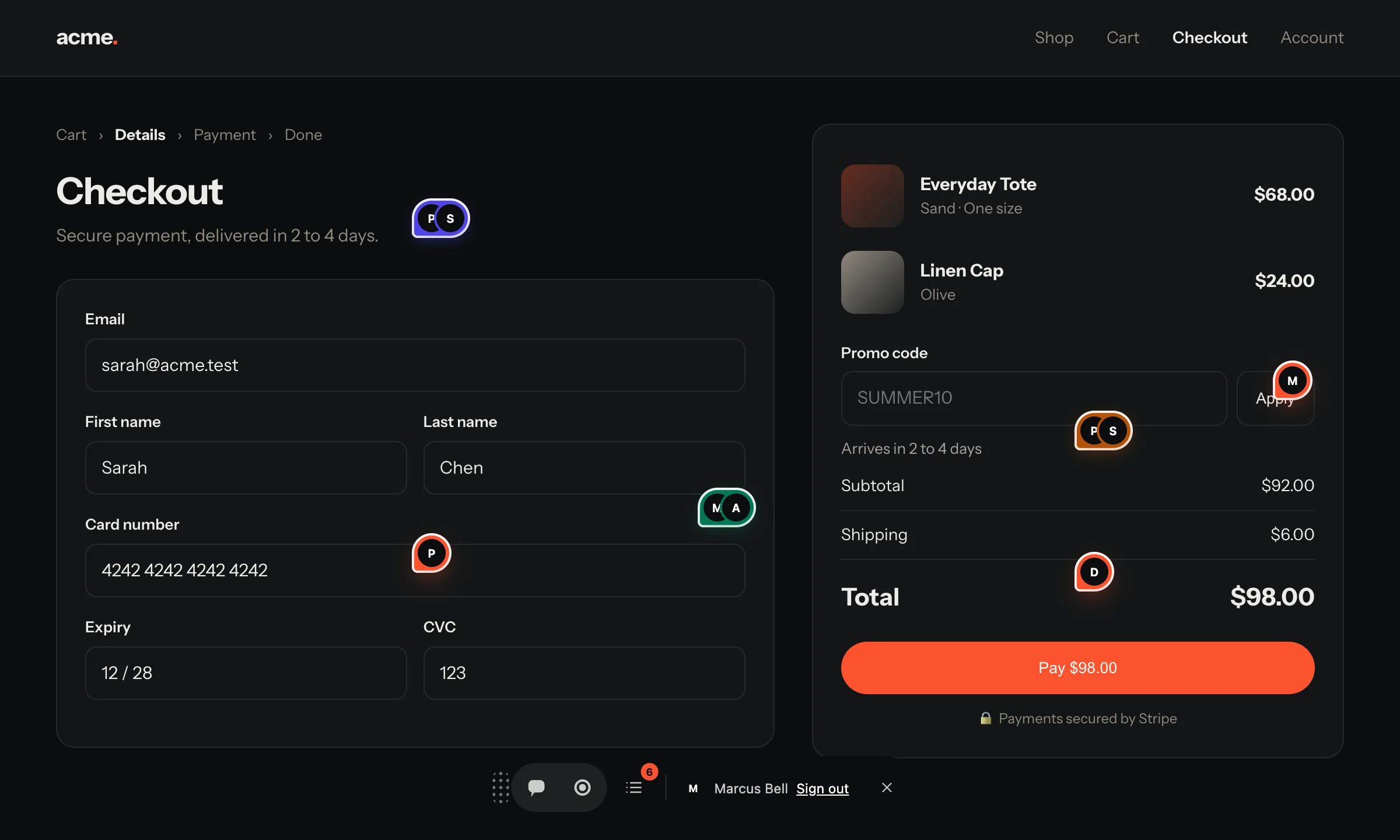
Pin feedback on any website, staging or production, yours or a client’s, without touching its code. Same pins, same repro bundle, same board.

Who it’s for
For the people who find the bugs.
QA engineers
Test any environment, including the ones nobody remembered to add the script tag to.
Agencies
Review a client’s site on day one, before you have access to their codebase.
Clients and stakeholders
Point at what you want changed on the real page. No screenshots in email threads.
How it works
Three clicks from “huh” to a Jot.
- 1
Add it to Chrome
Sign in once with your Jot account and choose the project Jots should land in.
- 2
Click the Jot icon
On any tab. Point at the element, type one sentence, annotate or record if it helps.
- 3
It lands on your board
With the screenshot, selector, URL and browser, exactly like a Jot from the widget.
Plays nicely
Already using Jot on that site? It steps aside.
If the page already runs the Jot widget, the extension hands over to it. Your Jot lands in that site’s own project, with its masking rules, and you never see two tabs.
- site has Jot
- The extension opens the site’s own widget. Its project, its privacy settings.
- site has no Jot
- The extension’s widget runs, filing into the project you picked.
- masking
- Inputs are masked in the browser before upload, either way.
Jot the whole web.
Sign in to your workspace, add the extension, and Jot any page you can open.