New Your AI agent can now fix Jots over MCP
Stop describing bugs. Point at them.
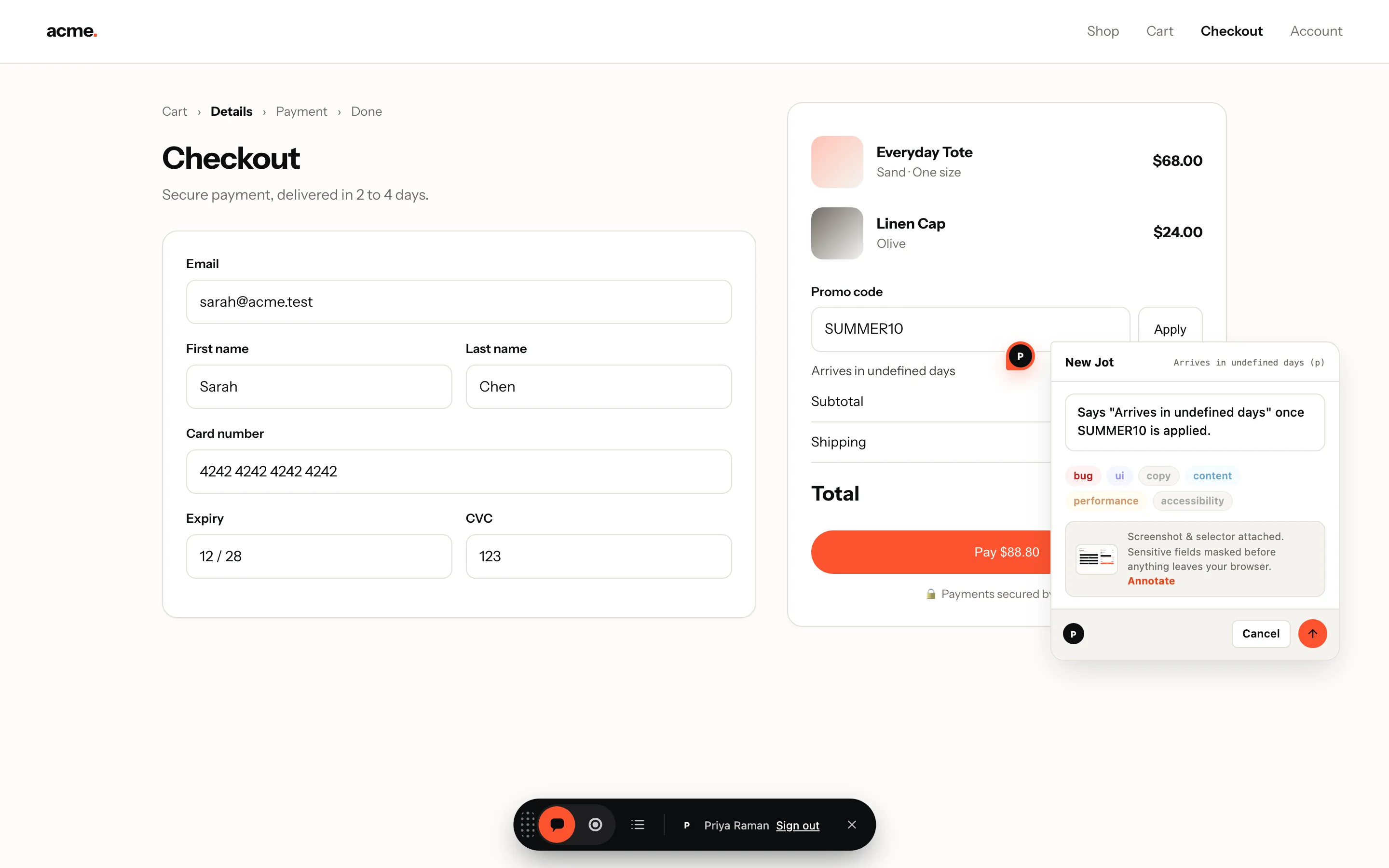
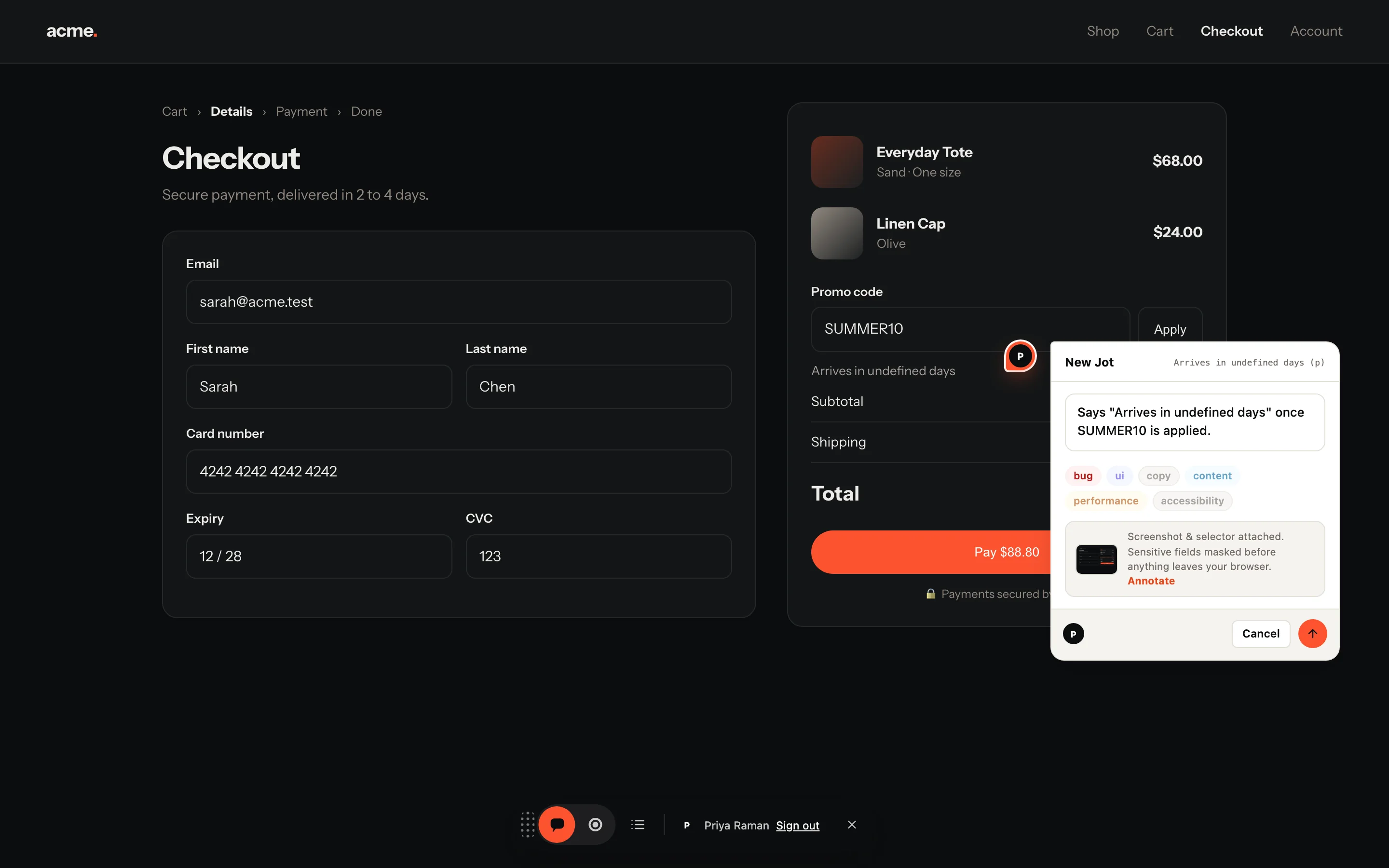
Your PM clicks the broken thing on the live site and types one sentence. Your developer gets the screenshot, the exact element, the browser and a session replay. Your AI agent can even fix it.
- One script tag
- Reviewers never pay
- Free plan, no card
Works with your stack and your tools
 JavaScript
 React
 Next.js
 Vue
 Nuxt
 Svelte
 Angular
- React Native
 Flutter
 Claude Code
 Cursor
 GitHub
 Linear
 Jira
The problem
Bug reports lose everything that matters.
By the time a bug reaches a developer it is a screenshot in Slack, a vague sentence and three follow-up questions.
Which button?
Jot pins the note to the exact element, with its selector, on the page it was made on.
Which machine?
Browser, OS, screen size and URL come with every Jot, automatically.
What happened?
A recording carries the video, the console and every network request.
How it works
Point. Type. Fixed.
Reviewers never see a dashboard. Developers never chase a repro.
1 · Point and type
Click the broken thing, say what's wrong.
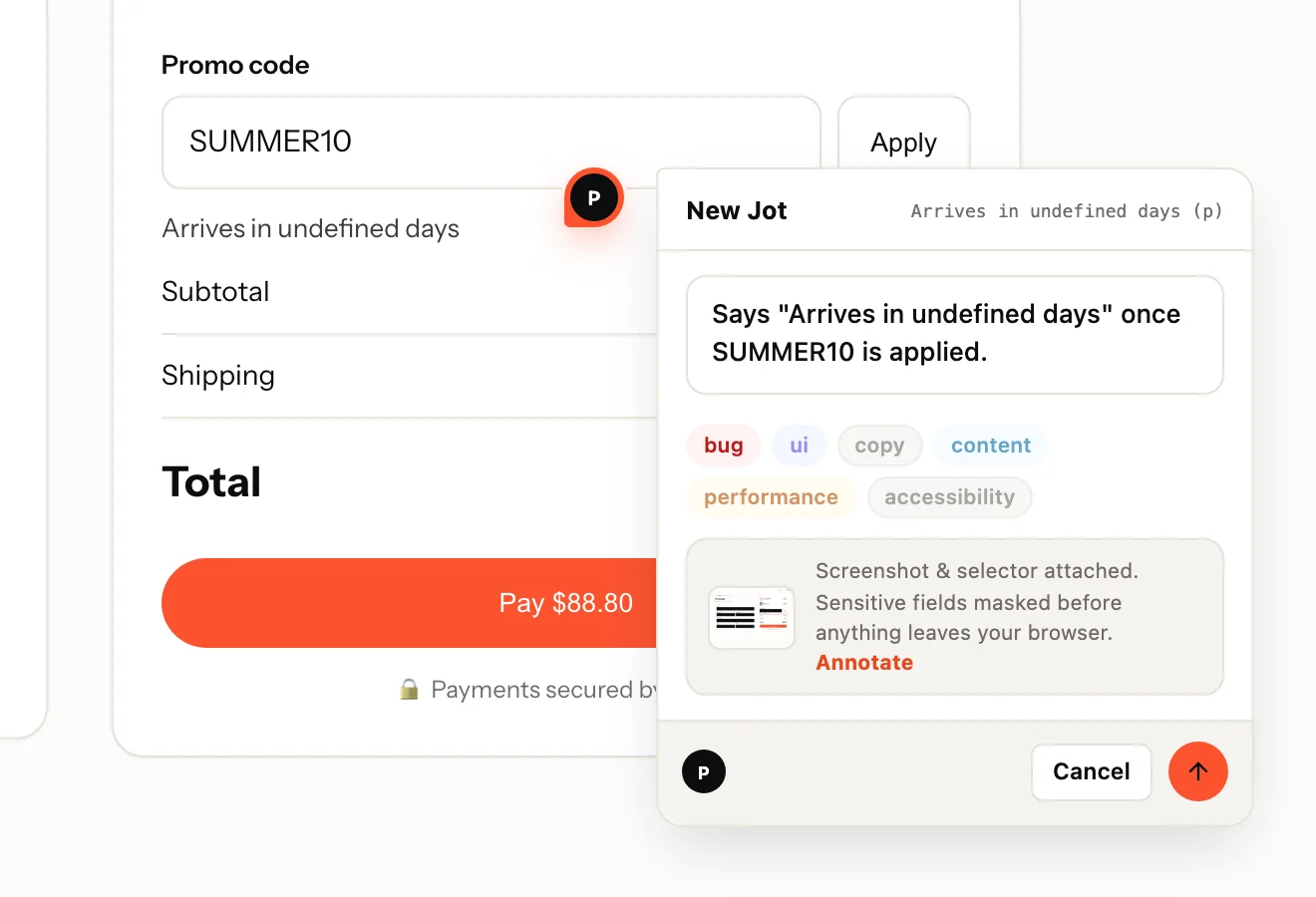
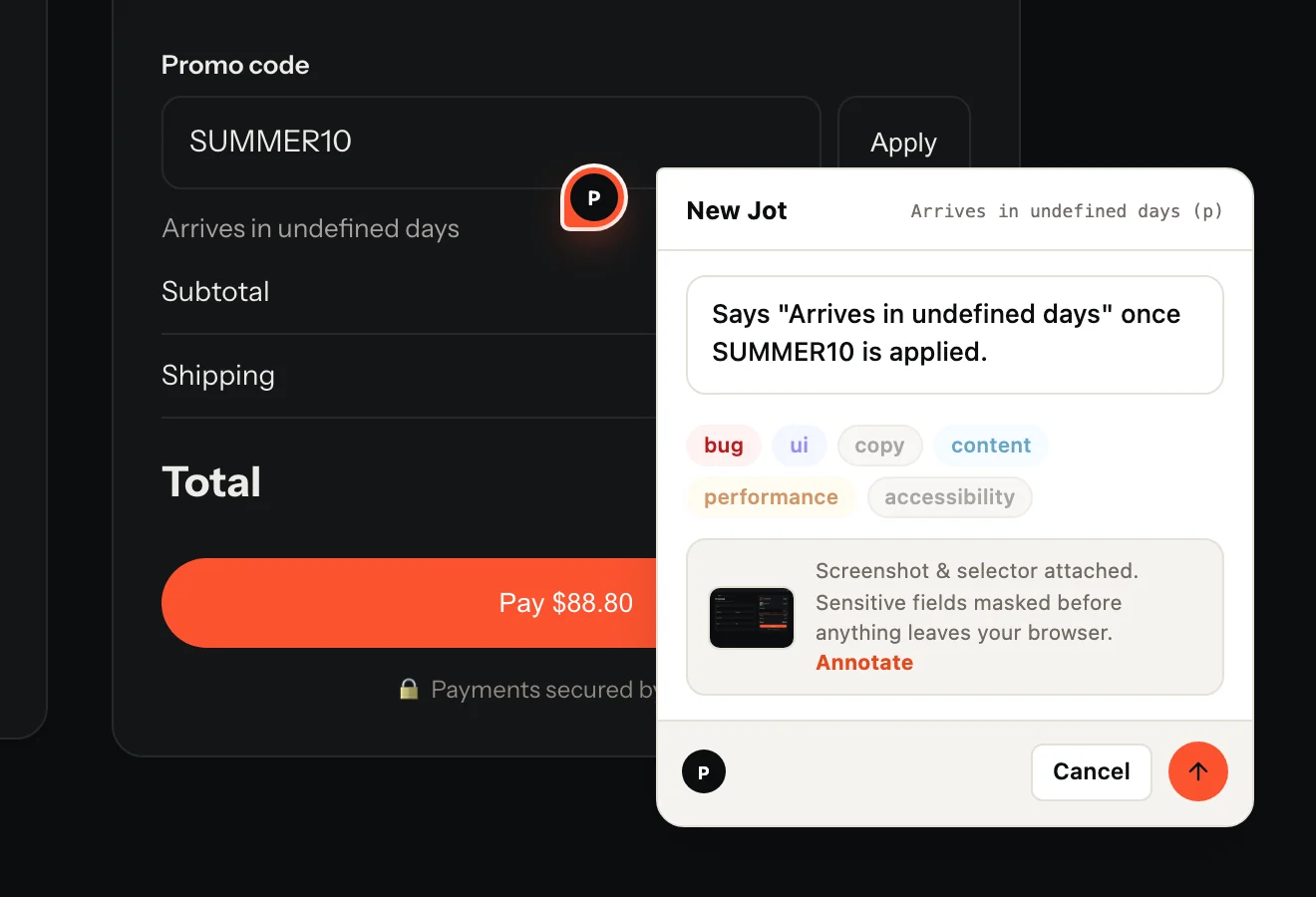
A Jot button sits on the edge of your live app. Reviewers click it, click the element and type one sentence. No account for guests, no extension needed.
- Screenshot taken in the browser
- Passwords and typed fields masked before upload
- Under 3 KB until someone opens it
2 · Your developer gets the repro
Everything they would have asked for.
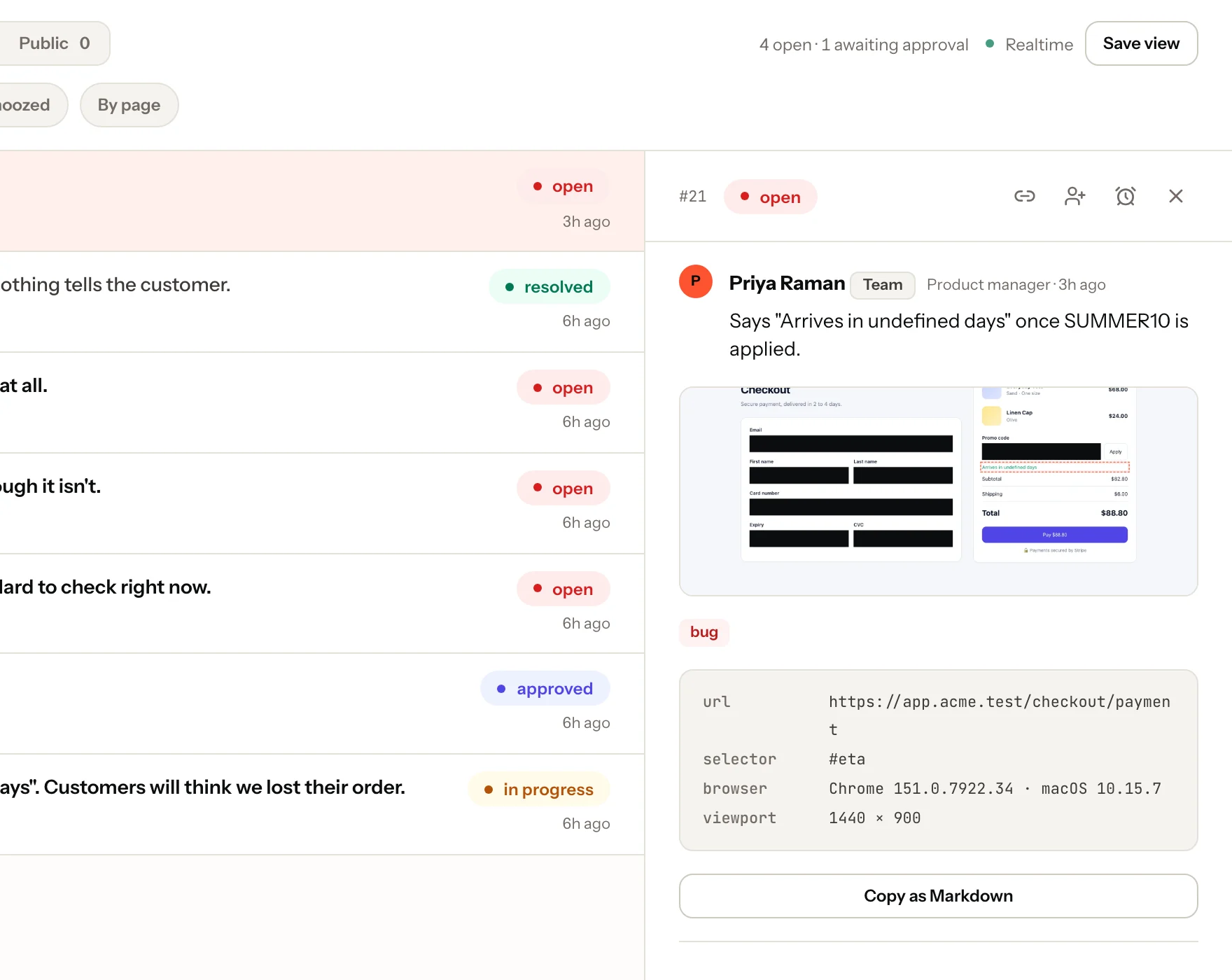
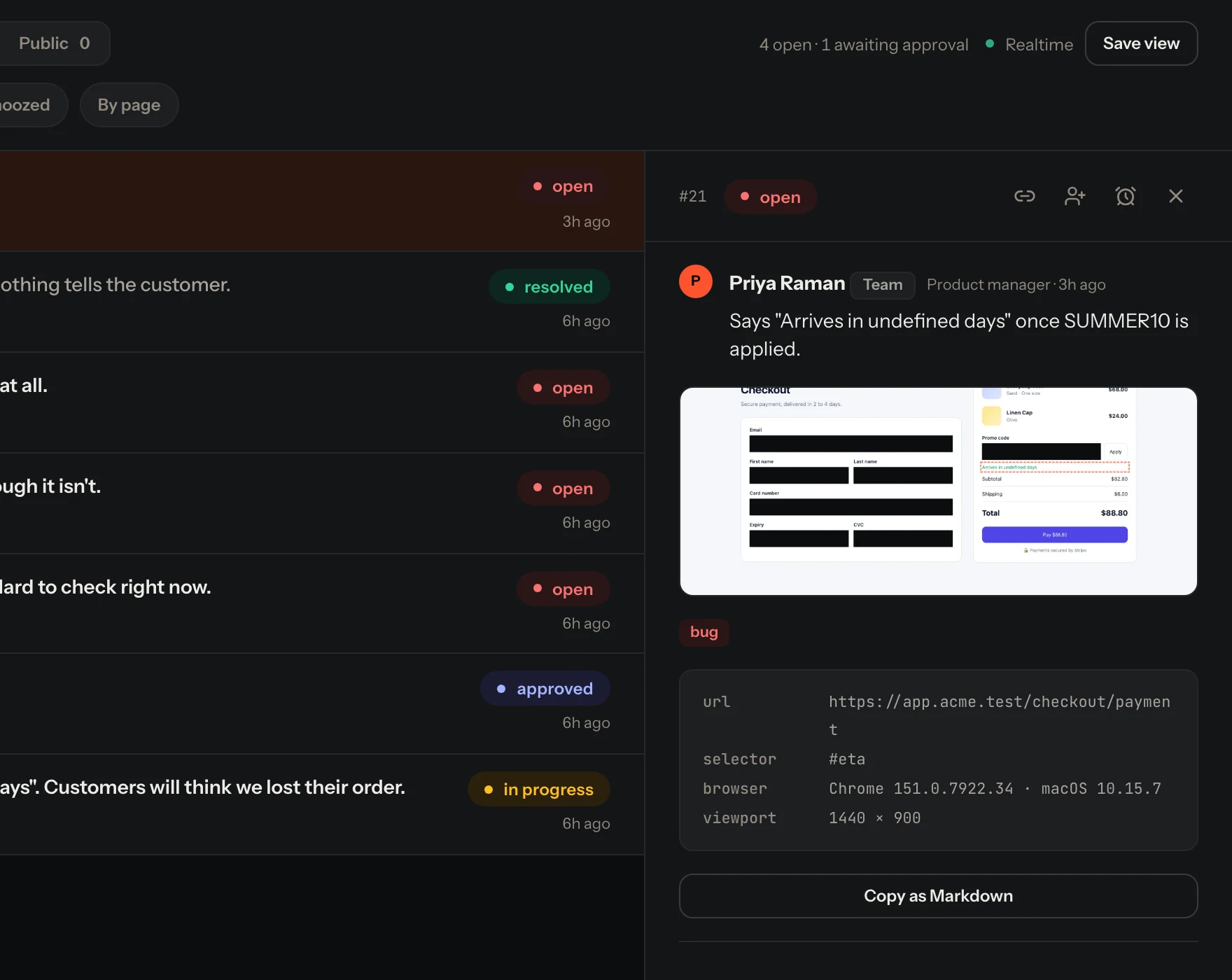
The Jot lands in your dashboard in real time with the page, the selector, the browser, the screen size and the screenshot. Copy it as markdown or push it to your tracker.
- Live inbox and board
- GitHub, Linear, Jira, Trello and Teams
- Threads with the reporter, right on the pin
3 · Hard to describe? Record it
Replay it with the console and the network.
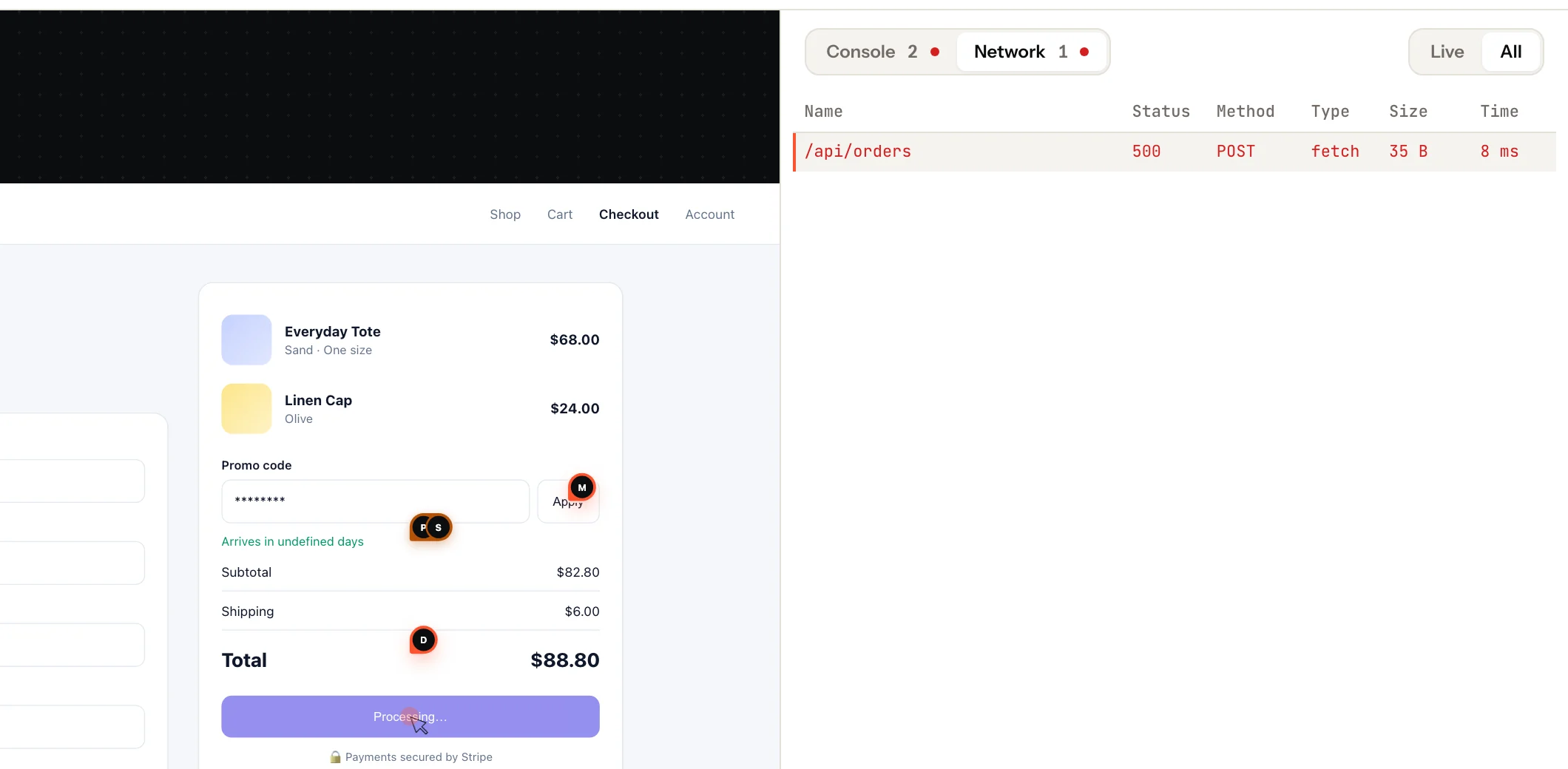
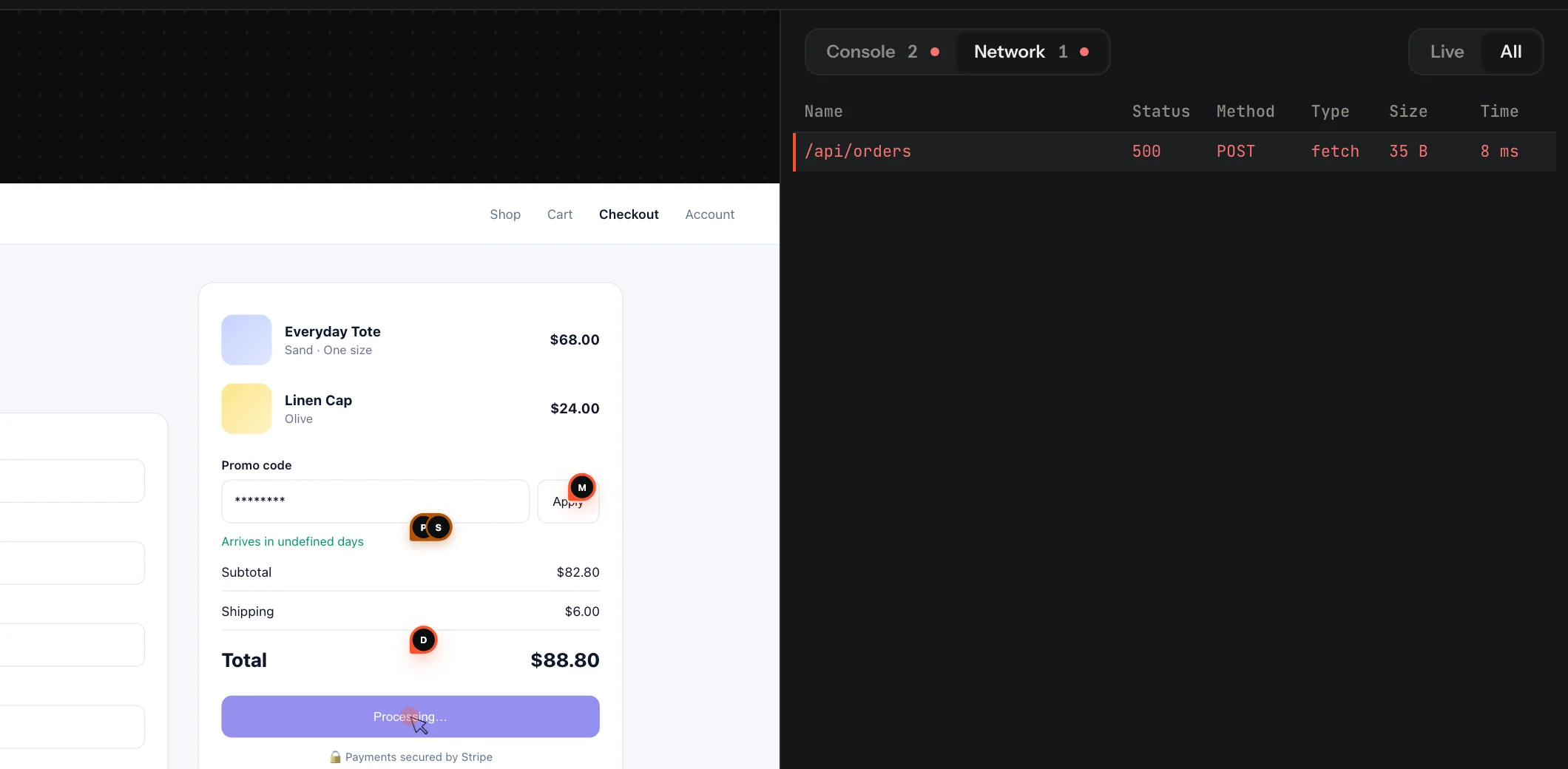
Reviewers press Record, reproduce the problem and describe it. You watch the replay with every console error and failed request beside it.
- Errors and failed requests counted live
- Typed fields masked in the browser
- Nothing uploads unless they send it
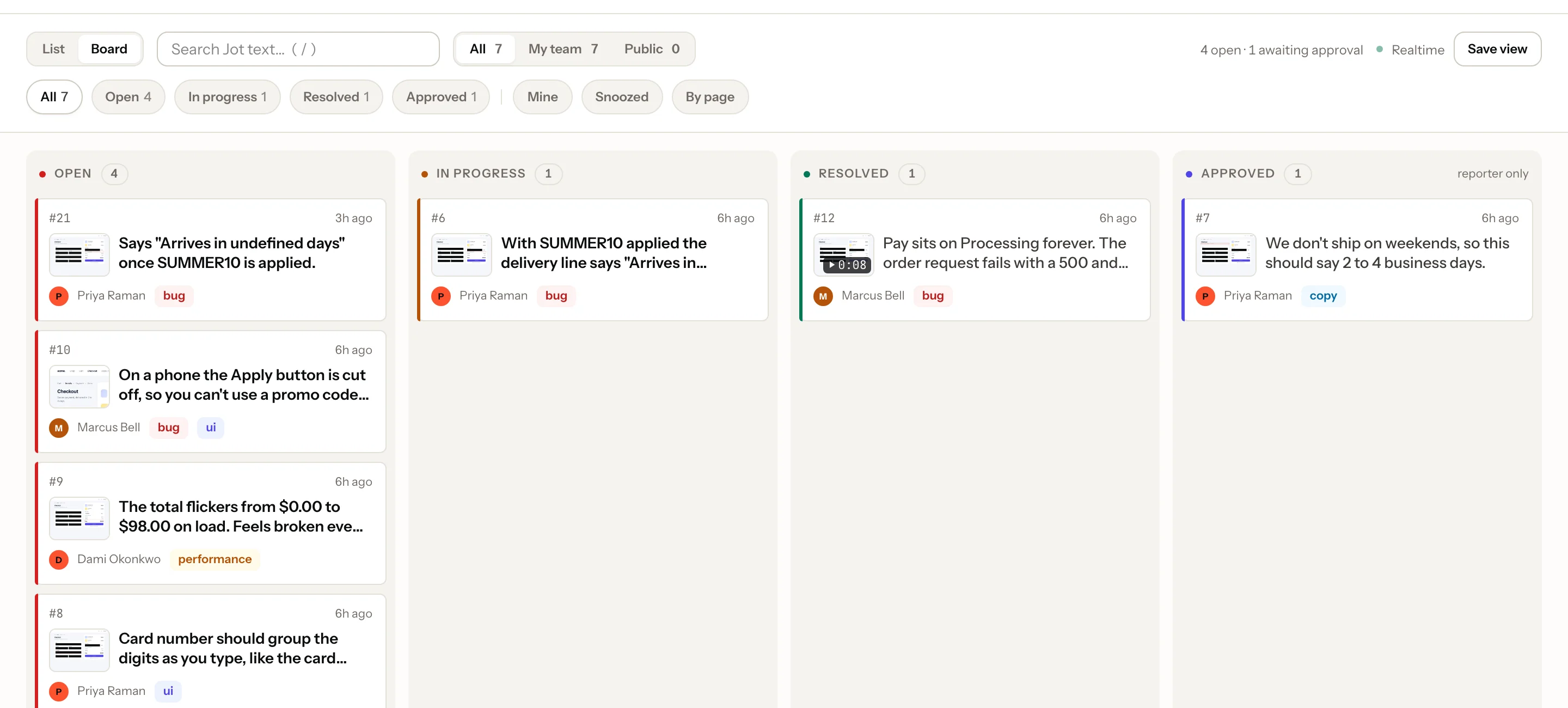
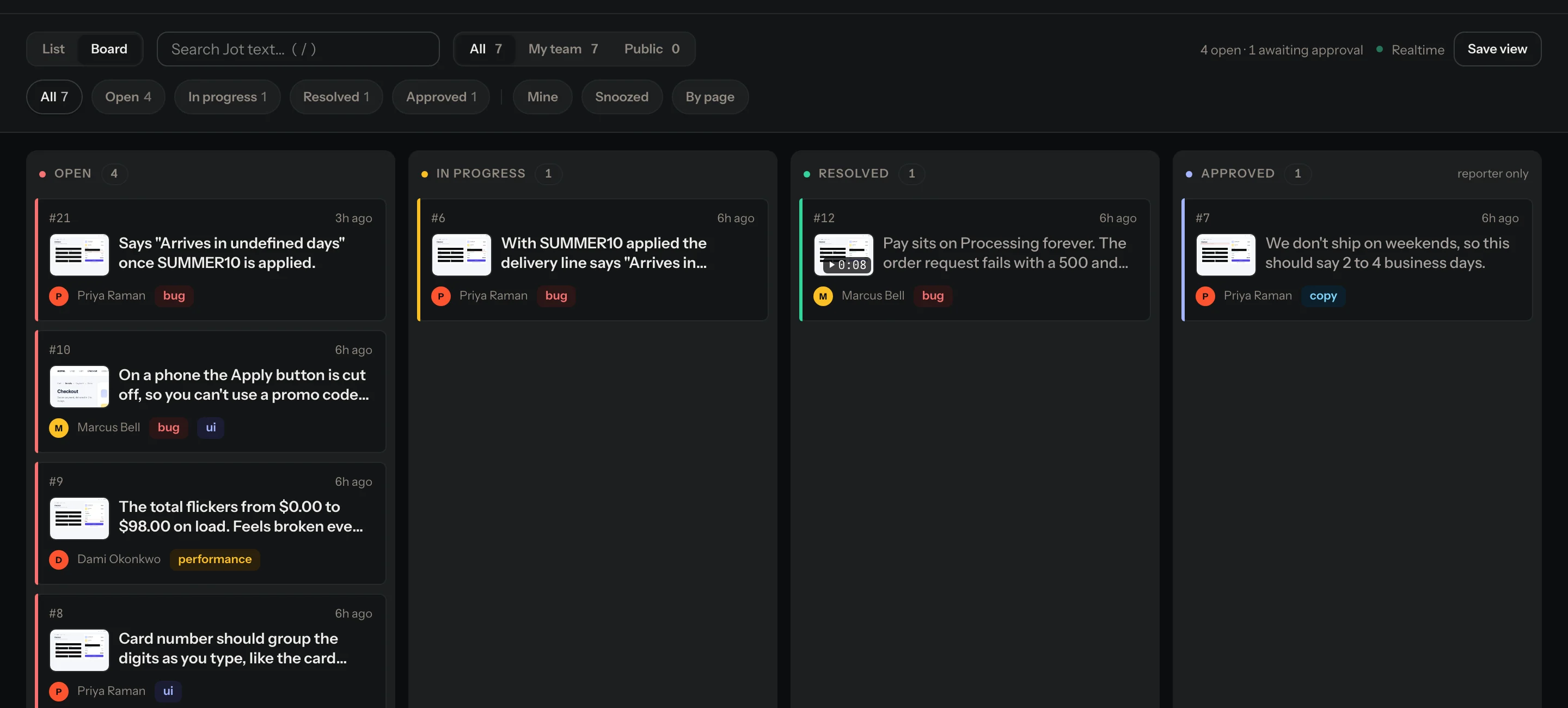
Every Jot, at a glance
From open to approved, in one view.
For AI agents
Your AI agent reads the Jot, fixes it and replies.
Every Jot is a complete repro over MCP. Claude Code, Cursor and friends fetch it and fix the code. Agents reply and resolve; who approves is your workspace's choice (by default, the person who reported it).
- Claude Code
- Cursor
 Windsurf
- Antigravity
- Any MCP client
Set up in 30 seconds
/plugin marketplace add usejot/claude-plugins
/plugin install jot@usejot
Then ask Claude to connect Jot (it opens your browser), or paste an agent token when Claude Code asks.
npx @usejot/cli login
npx @usejot/cli init
login opens your browser to pick a workspace. init connects the repo. No token to paste.
The loop closes where it started
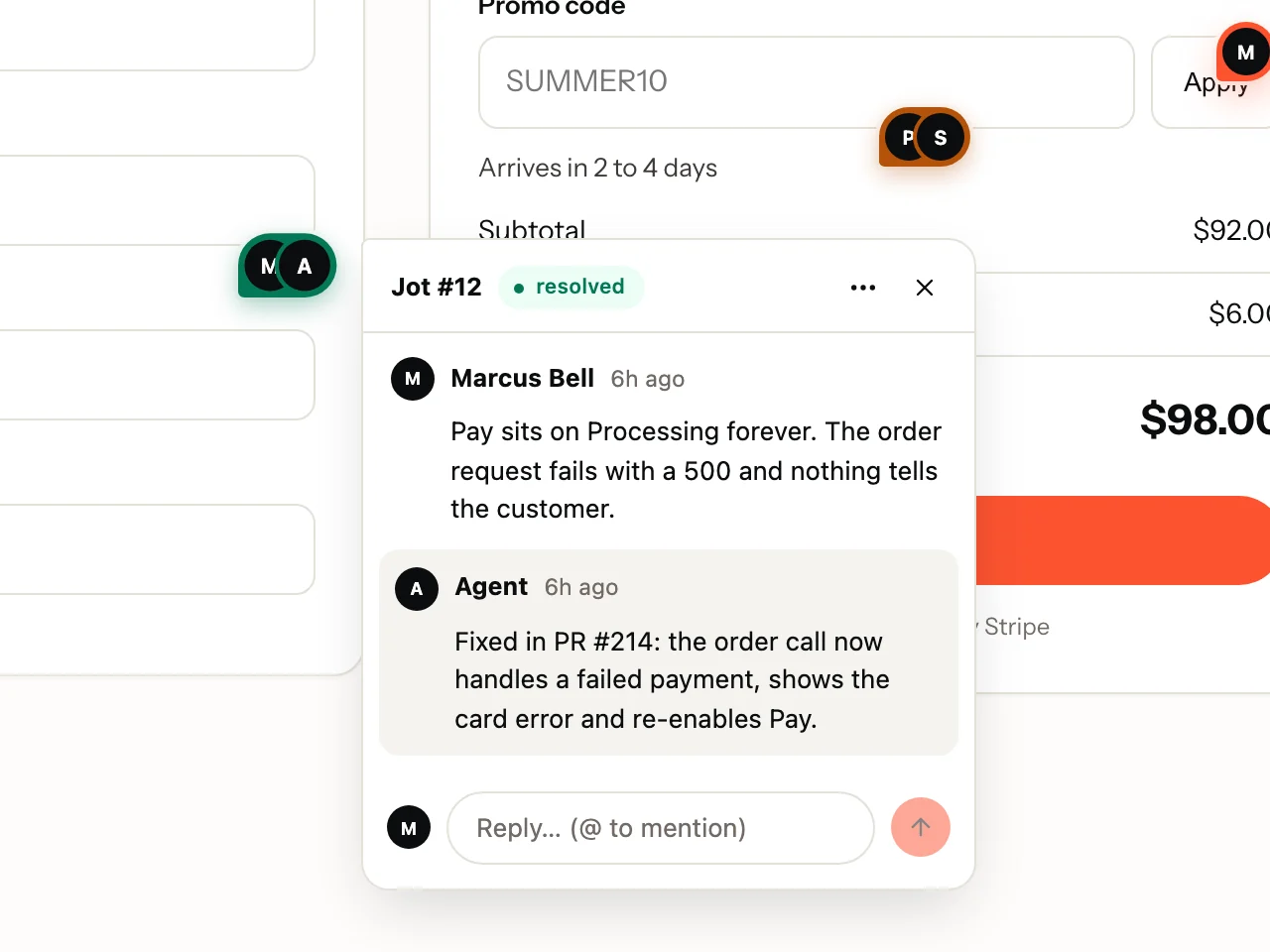
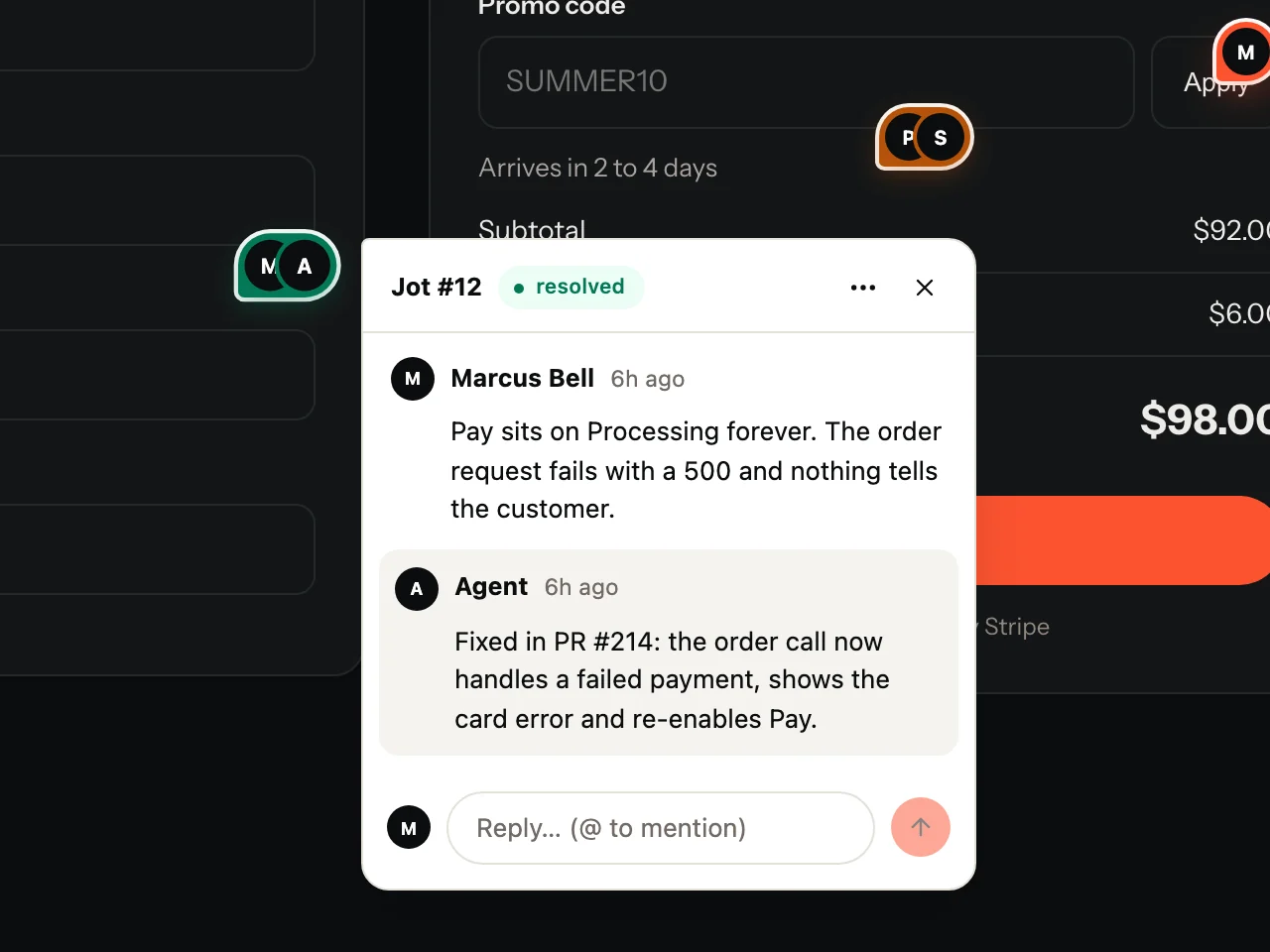
The reporter sees the fix on their pin.
No "did you fix it?" in Slack. The reply shows up on the exact element they pointed at, and they approve it when it's right.
Integrations
Lands where your team already works.
File Jots as issues in your tracker with status synced both ways, post them to a Teams channel, or hand them straight to an agent.
 Trello
 Microsoft Teams
 MCP
Platforms
Wherever your app runs.
The same Jot, the same dashboard, on the web and on phones.
Web
One script tag for plain JavaScript, or a package for React, Next.js, Vue, Nuxt, Svelte and Angular.
<script data-jot-key=…>
React Native
iOS and Android, Expo included. Native screenshots and video.
@usejot/react-nativeFlutter
iOS, Android, desktop and web, one widget around your app.
flutter pub add usejot
Chrome extension
Jot on any site, even ones you can't add a script to.
Chrome Web StorePricing
Flat rate. Reviewers never pay.
Priced by workspace, not by seat. Invite the whole client team.
Free
- 1 project · 100 Jots a month
- 20 recordings a month · MCP agents
- "Powered by Jot" branding
Team
- 5 projects · 5,000 Jots a month
- GitHub, Linear, Jira, Trello, Teams
- Notifications · No branding
Agency
- Unlimited projects · 20,000 Jots a month
- 2,000 recordings a month
- AI triage · Analytics
Questions
Good questions.
What is Jot?
Jot is visual feedback and bug reporting for live web and mobile apps. Reviewers click the broken element and describe it; developers get the screenshot, selector, browser details and an optional session replay.
Do reviewers need an account?
No. On projects that allow guests, anyone can leave a Jot. Invited reviewers sign in with a 6-digit code sent to their email.
Does it slow down my site?
The loader is under 3 KB. Everything else loads only when someone opens Jot.
Is user data safe in recordings?
Passwords and typed fields are masked in the browser before anything uploads. Credentials are stripped from recorded network calls.
How do AI agents use Jot?
Jot ships an MCP server and a Claude Code plugin. Claude Code, Cursor and other MCP clients read Jots, reply and set them in progress or resolved. Agents reply and resolve; who approves is your workspace's choice (by default, the person who reported it).
Stop describing bugs. Point at them.
Free to start. Live on your site in two minutes.