Jot for React
Bug reports from your React app, pinned to the component.
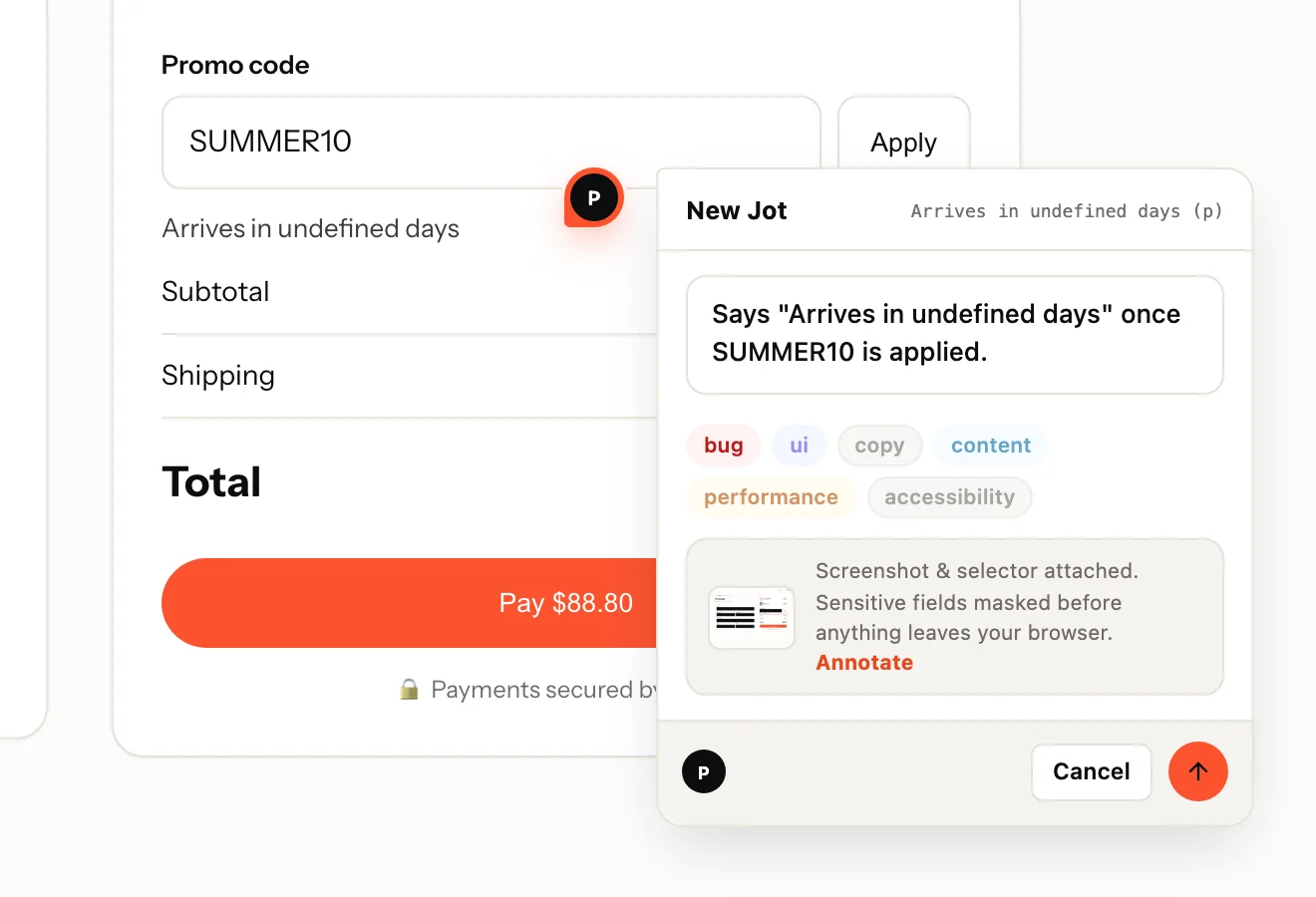
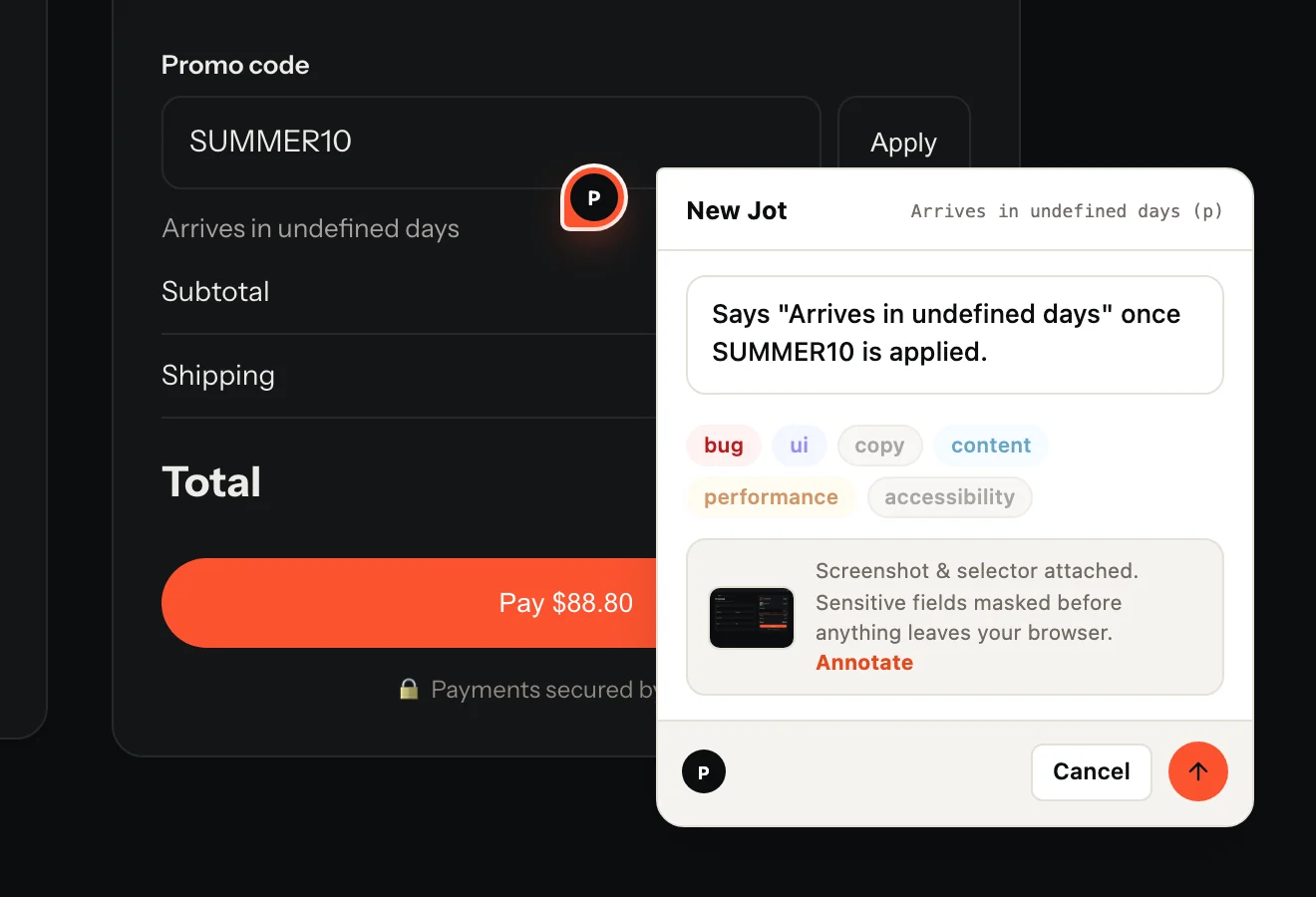
One component. Reviewers click the broken element on the live app and type a sentence; you get the selector, the screenshot, the browser and, if they recorded it, a replay with console and network.
Install
npm install @usejot/react
import { JotWidget } from "@usejot/react";

<JotWidget projectKey="jot_pk_…" />
Your project key is in the dashboard once you create a project. Full React guide
What you get
Every report arrives ready to fix.
- The reviewer's sentence and labels, pinned to the element
- A screenshot of the page as they saw it
- The URL and the element's CSS selector
- Browser, operating system and screen size
- On Record: a replay of the page, with console and network on one timeline
Made for React
What is specific to React
- <JotWidget> renders nothing itself: it mounts the widget once and removes it when your tree unmounts. Prefer a hook? useJot({ projectKey }).
- No react-dom dependency: the package is one hook and a renderless component.
- Client-side navigation is followed: pins and the page's Jots update when the route changes, with no extra code.
- The loader is under 3 KB gzipped, enforced in CI. The widget loads when someone opens the tab, the recorder only when they press Record.
Questions
Where should I put <JotWidget>?
Once, near the root of your app, usually in App.tsx, so it is on every route. Render it only in staging if production reviewers should not see it.
What does Jot record, and what does it never see?
A screenshot, the URL, the clicked element's CSS selector, the browser, OS and screen size, and, when the reviewer presses Record, a replay with console and network. Inputs are masked in the browser before anything is uploaded; add .jot-mask to mask text or .jot-block to leave an element out entirely.
Do reviewers need an account?
They never need a dashboard login. On a public project they type and send; on a members-only project they confirm a 6-digit code emailed to them, inside the widget. Reviewers are free and unlimited on every plan.
Also on: JavaScript · Next.js · Vue · Nuxt · Svelte · Angular · Flutter · React Native. Send Jots to: GitHub · Linear · Jira · Trello · Microsoft Teams
Your first Jot is a minute away.
Start free. Reviewers are always free, on every plan.