Jot integrations
Lands where your team already works.
Jot is where feedback starts, not another place to check. Send it to your tracker, your channel or your agent, and install it on whatever you build with.



Issue trackers
One tracker per project. Status syncs both ways.
File any Jot as an issue in one click. Resolve it in Jot and the issue moves too; close the issue and Jot asks the reporter whether it is fixed. The reporter is still the one who approves.

GitHub
Runs as a GitHub App. Jots become issues in the repo you choose; resolving the Jot closes the issue.
Jot + GitHub
Linear
Pick the team and, optionally, the project. Jots you file arrive as Linear issues.
Jot + Linear
Jira
File into a Jira project, scoped to a sprint if you want, with the repro in the description.
Jot + Jira
Trello
Each Jot becomes a card on your Trello board, with the repro attached.
Jot + TrelloNotifications
Microsoft Teams, without the noise.
New Jots post a card to one channel. Status changes reply in that card’s thread, so the channel stays readable. Works alongside your tracker.
New Jot on acme-checkout: “Button stays disabled after the card validates.”
- reporter
- Priya Raman · Product manager
- page
- /checkout
- thread
- → Resolved · Approved
MCP
Hand the queue to your agent. You choose who signs off.
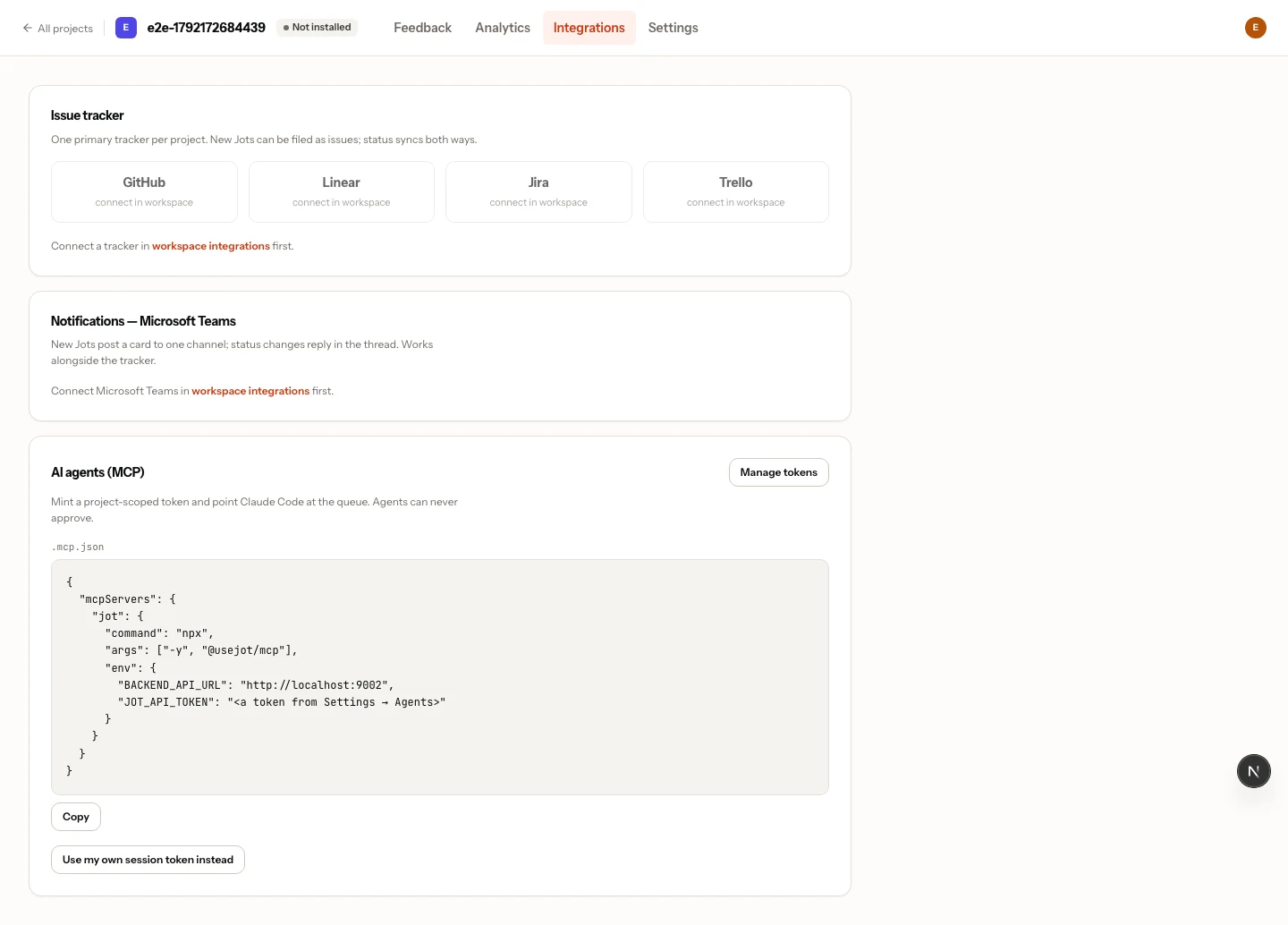
One line connects Claude Code, two connect any other agent. Agents reply and resolve; who approves is your workspace's choice (by default, the person who reported it).
fetch_feedbackJots for a project, filtered by status.
get_commentFull context, plus the replay as a text timeline.
update_statusIn progress or resolved. Approval follows your workspace’s setting.
post_replyA note in the reporter’s thread.
Set up in 30 seconds
/plugin marketplace add usejot/claude-plugins
/plugin install jot@usejot
Then ask Claude to connect Jot (it opens your browser), or paste an agent token when Claude Code asks.
npx @usejot/cli login
npx @usejot/cli init
login opens your browser to pick a workspace. init connects the repo. No token to paste.
All AI agents · Guides for Claude Code · Cursor · Codex · Windsurf
SDKs
Install on whatever you build with.
Every SDK wraps the same widget and follows the same contract, so a Jot from Flutter looks exactly like a Jot from Next.js.
<script src="https://cdn.jsdelivr.net/npm/@usejot/widget@1/dist/jot.js"
        data-jot-key="jot_pk_…" defer></script>
import { JotWidget } from "@usejot/react";

<JotWidget projectKey={key} />import { JotWidget } from "@usejot/next";
<JotWidget projectKey={key} />import { createJot } from "@usejot/vue";
app.use(createJot({ projectKey }));modules: [
["@usejot/nuxt", { projectKey }],
]import { JotWidget } from "@usejot/svelte";
<JotWidget projectKey={key} />
providers: [
  provideJot({ projectKey }),
]<JotProvider projectKey="jot_pk_…">
<App />
</JotProvider>runApp(Jot(
projectKey: 'jot_pk_…',
child: const MyApp(),
));The native core behind the Flutter and React Native SDKs: capture, masking, recording and crash reports. Guides in the docs.
Jot for JavaScript · React · Next.js · Vue · Nuxt · Svelte · Angular · Flutter · React Native · WordPress · Webflow · Shopify · Squarespace · Wix
Connect it in the time it takes to read this.
MCP agents are on every plan, Free included. Trackers and Teams notifications come with Team.