Jot for Angular
Feedback on your Angular app, from one provider.
Add provideJot to your application providers. Reviewers pin the broken element on the live app; developers get the selector, the screenshot, the browser and a replay.
Install
npm install @usejot/angular
import { provideJot } from "@usejot/angular";

providers: [provideJot({ projectKey: "jot_pk_…" })]
Your project key is in the dashboard once you create a project. Full Angular guide
What you get
Every report arrives ready to fix.
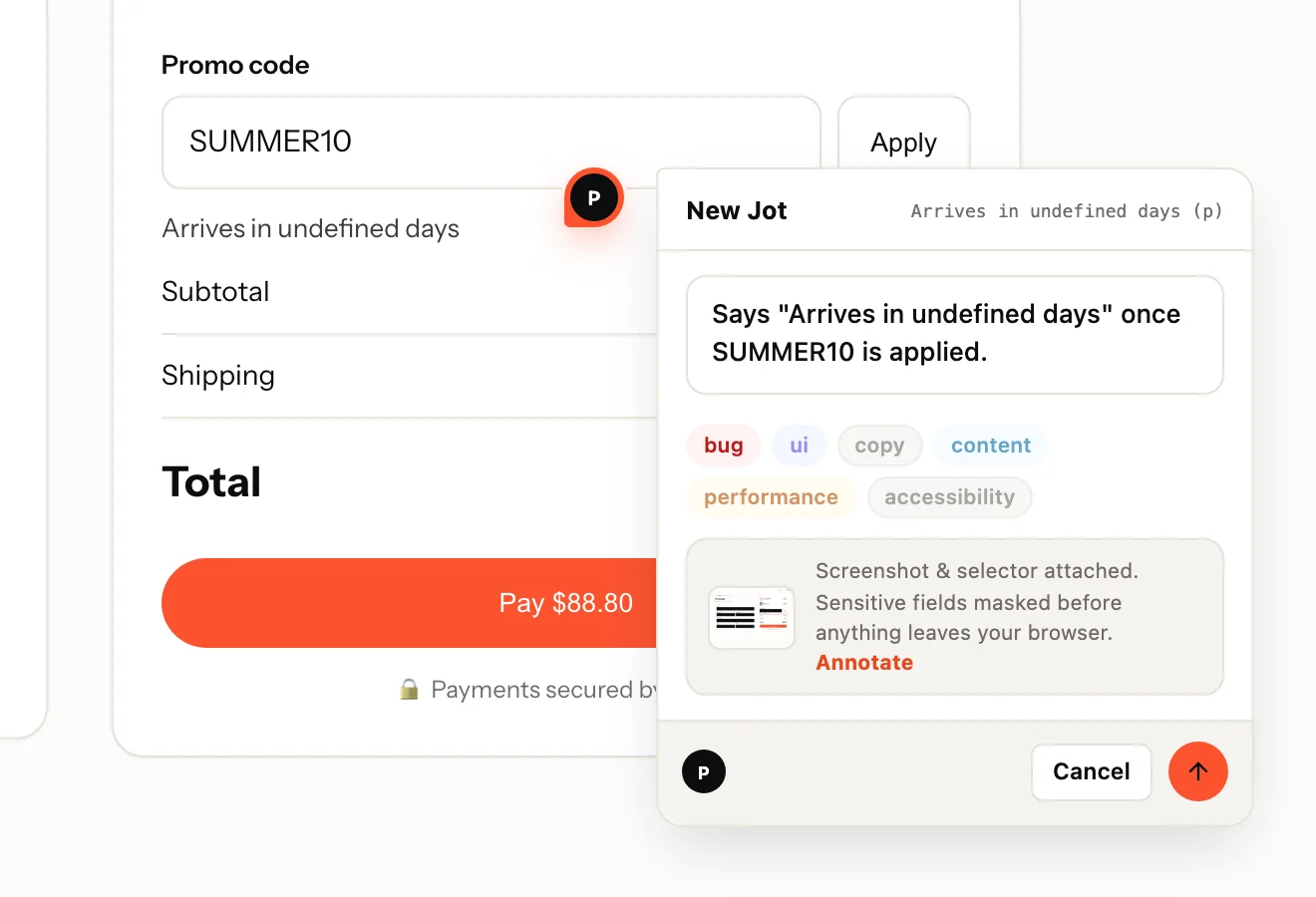
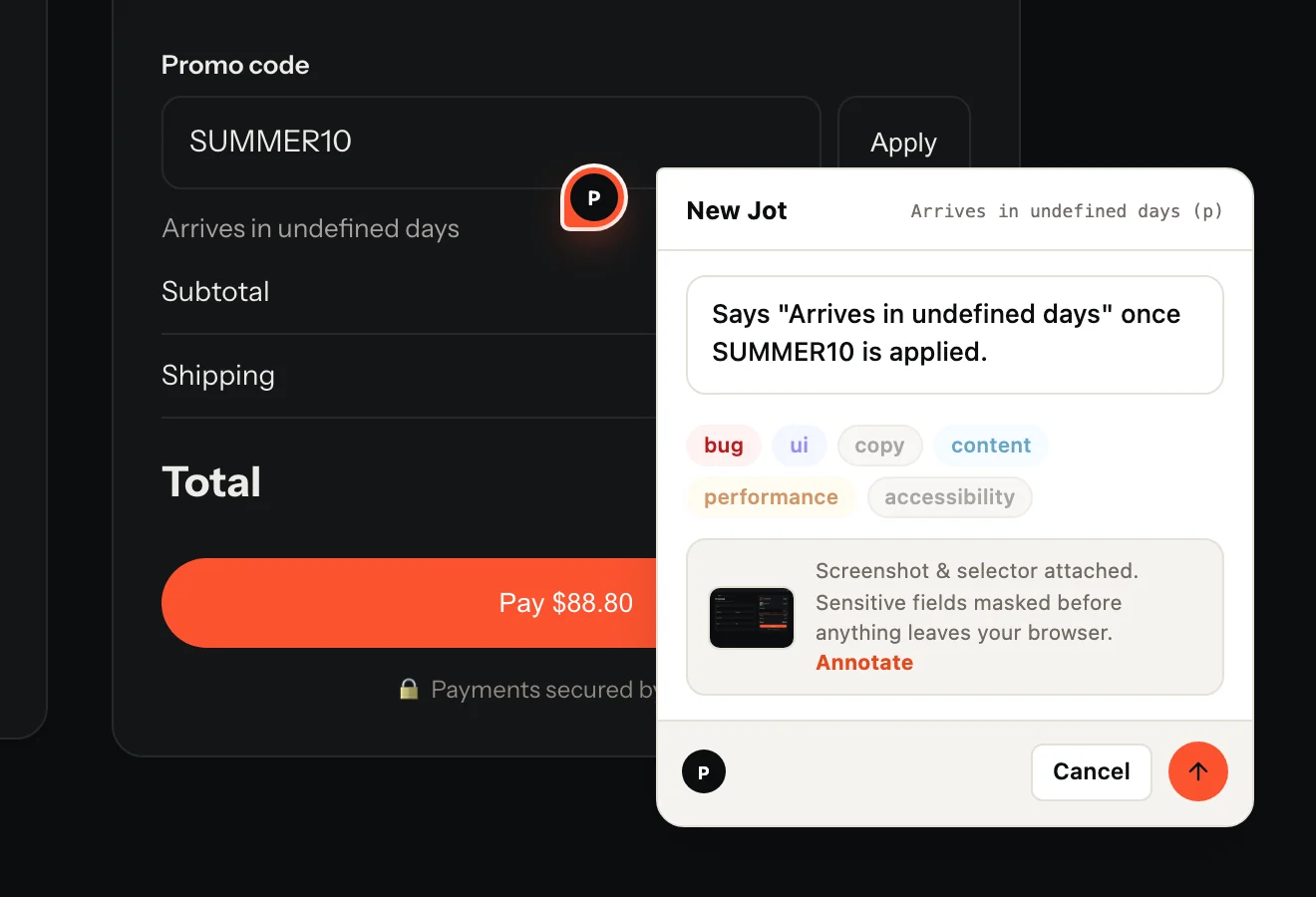
- The reviewer's sentence and labels, pinned to the element
- A screenshot of the page as they saw it
- The URL and the element's CSS selector
- Browser, operating system and screen size
- On Record: a replay of the page, with console and network on one timeline
Made for Angular
What is specific to Angular
- provideJot({ projectKey }) goes in your bootstrapApplication providers. Wiring APP_INITIALIZER yourself? jotInit is exported too.
- A no-op under server-side rendering, so Angular SSR builds are unaffected.
- Client-side navigation is followed: pins and the page's Jots update when the route changes, with no extra code.
- The loader is under 3 KB gzipped, enforced in CI. The widget loads when someone opens the tab, the recorder only when they press Record.
Questions
Does it need ng add or a module?
No. It is a provider function: add it to app.config.ts and you are done. There are no components or templates to register.
What does Jot record, and what does it never see?
A screenshot, the URL, the clicked element's CSS selector, the browser, OS and screen size, and, when the reviewer presses Record, a replay with console and network. Inputs are masked in the browser before anything is uploaded; add .jot-mask to mask text or .jot-block to leave an element out entirely.
Do reviewers need an account?
They never need a dashboard login. On a public project they type and send; on a members-only project they confirm a 6-digit code emailed to them, inside the widget. Reviewers are free and unlimited on every plan.
Also on: JavaScript · React · Next.js · Vue · Nuxt · Svelte · Flutter · React Native. Send Jots to: GitHub · Linear · Jira · Trello · Microsoft Teams
Your first Jot is a minute away.
Start free. Reviewers are always free, on every plan.